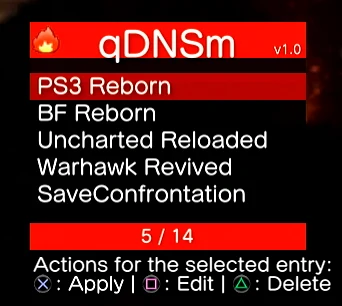
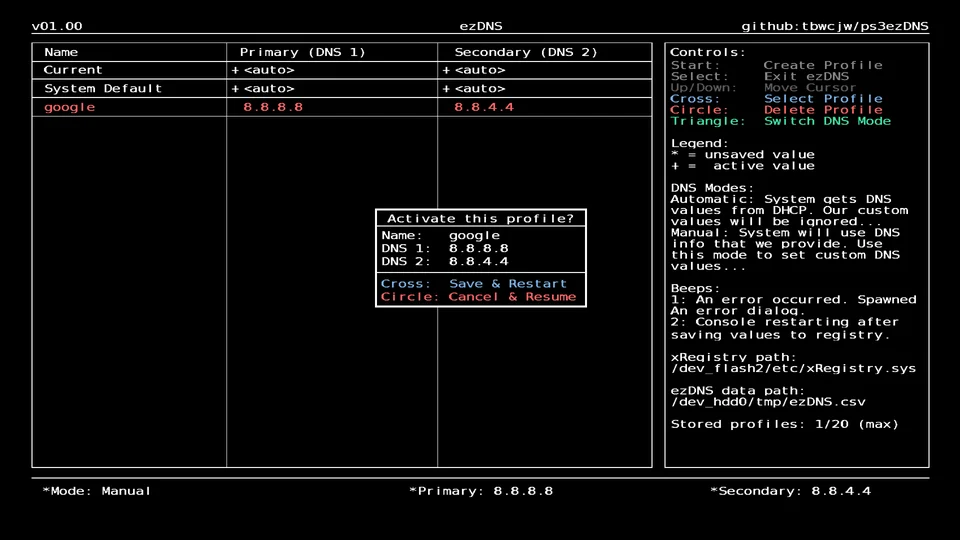
Set the custom DNS as the primary DNS, with 1.1.1.1 or 8.8.4.4 as the secondary DNS.
The correct DNS address for each project can be found below, or on its official website or Discord server.
1. Open the connection settings
Go to Settings → Network Settings → Internet Connection Settings.
Say Yes to going offline, then choose Custom.
2. Choose how you connect
Wired: Set Operation Mode of Network Device to Auto-Detect.
Wireless: Scan, pick your network and enter its password.
Then set:
- IP Address Setting: Automatic
- DHCP Host Name: Do Not Set
3. Enter the DNS by hand
- DNS Setting: Manual
- Primary DNS: (see projects below)
- Secondary DNS: 1.1.1.1 or 8.8.4.4
4. Leave the rest
- MTU: Automatic
- Proxy Server: Do Not Use
- UPnP: Enable
Press X to save, then Test Connection.
5. Play
Start the game and sign in with your PSN account.