
Ports
A selection of games originally released on other platforms, now ported to PlayStation 3 by the community. From retro classics to modern indies, these ports let you experience a wider library on your PS3.
How to install PKG files
Installing PKG files on your PS3 is straightforward. Follow these steps:
- Copy the PKG file to a FAT32 formatted USB drive.
- Insert the USB drive and navigate to Game → Package Manager.
- Select "Standard Package Installation" and choose your PKG file.
- Follow the on-screen prompts to complete the installation.
- Once complete, the installed item will appear on your XMB.
How to play PS2 ISOs on PS3
Playing PS2 games on your PS3 is straightforward with the right setup. Follow these steps:
- Check your PS3 model. Early Fat models (20GB, 60GB, 80GB) have native PS2 hardware. Later models require software emulation via PS2 Classics.
- Ensure your PS3 is jailbroken with CFW or HEN installed. This is required for most emulation methods.
- Convert your PS2 ISO to a PS2 Classics PKG using a tool like PS2 Classic GUI.
- Copy the PKG file to a FAT32 formatted USB drive.
- Insert the USB drive and navigate to Game → Package Manager.
- Select "Standard Package Installation" and choose your PKG file.
- Once installed, the PS2 game will appear on your XMB under the PlayStation 2 category.
Action & adventure
Grand Theft Auto III
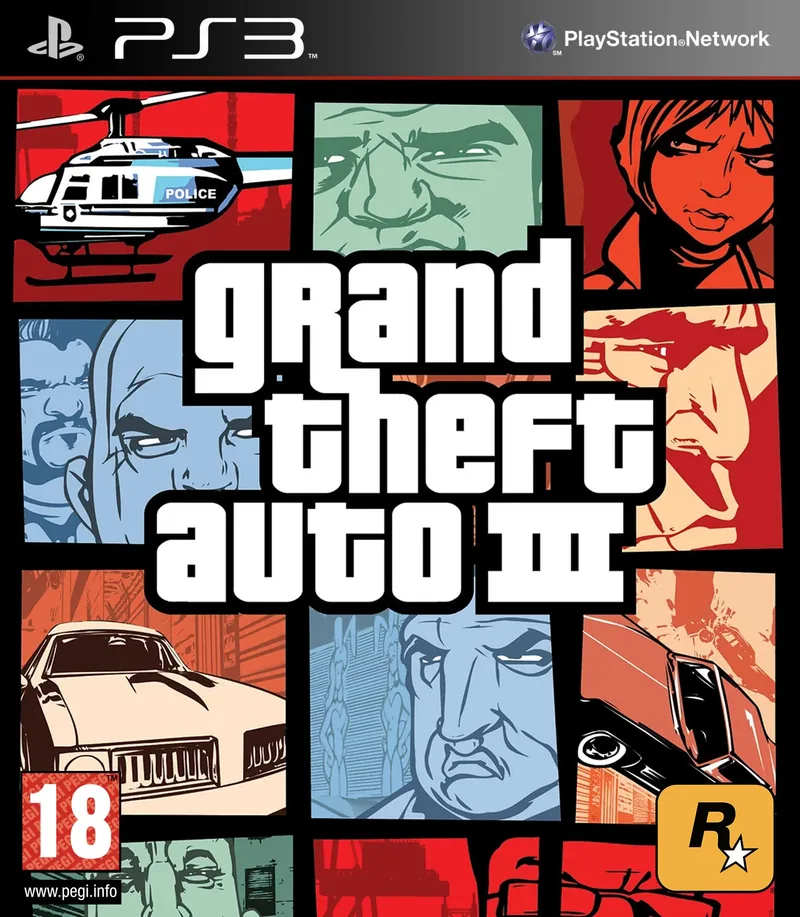
re3 (GTA III) for the PlayStation 3, as homebrew built with PSL1GHT.
Reverse-engineered source code of GTA III. This port runs it natively on the PS3, with a hardware renderer on the RSX (a PS3 backend for librw), DualShock 3 controls in the PS2 style, and the game's data read from your own PC copy.
Features
- Native 720p, rendered on the RSX: tiled colour/depth buffers, compressed depth and ZCULL, 60+ fps of headroom in the heavy scenes (rain and smoke).
- 30 fps by default (the rate the game was made for) or 60 fps: Options > Graphics > Frame rate. Always in sync with the TV (no tearing).
- PS2-style controls with lock-on aiming, four pad setups, button redefinition, inverted look, free camera, right stick sensitivity for third person (free camera) and first person (aiming, sniper, look around), 50% to 200% (Controller setup > Gamepad settings). PlayStation buttons in the on-screen help.
- Map in the pause menu, Vice City style: the game's radar tiles, every safehouse, Ammu-Nation, Pay 'n' Spray and bomb shop, waypoints with X.
- MP3 player radio: put .mp3 files in USRDIR/mp3.
- Skins: put .bmp skins in USRDIR/skins, choose them in Player setup.
- DXT1 textures (most of the PC game's) are kept in 16 bits in video memory: half the VRAM, the same look.
- Options > Graphics:
- Mipmaps: textures that come without smaller versions get them (less shimmering in the distance). They are made as textures load: restart the game for all of them. Uses more video memory.
- Texture filtering: Default (the game's own), Bilinear, Trilinear, Anisotropic 2x to 16x (sharper ground and roads at an angle). With Mipmaps off, only the textures that have them in their TXD use them.
- Antialiasing: Off or FXAA (smoother edges, a filter over the finished picture: ~2 ms of GPU time and 7 MB of video memory at 720p). All three are off/default unless you choose them.
- Display > Screen size for overscan, fixed aspect ratios shown with black bars, FPS counter (Graphics > Show FPS).
- Settings saved in USRDIR/re3.ini, saves in USRDIR/userfiles.
Installation
Install re3-ps3-1.1-alpha.pkg on a PS3 with homebrew support (CFW or HEN), e.g. copy it by FTP and install it with the package manager. It appears in the XMB as re3.
The PKG creates /dev_hdd0/game/RE3PS3000/USRDIR with these empty folders. From your GTA III PC installation, copy into them (by FTP):
| Folder | Contents |
|---|---|
| anim | the PC game's anim folder |
| audio | the PC game's audio folder (big: radio) |
| data | the PC game's data folder |
| models | the PC game's models folder (keep the two re3 .txd already there) |
| text | the PC game's text folder |
| txd | the PC game's txd folder (loading screens) |
| mp3 | optional: your own music |
| skins | optional: player skins (.bmp) |
Filenames are case-sensitive on the PS3: keep them lowercase, exactly as above.
Start re3 from the XMB.
Grand Theft Auto: Vice City

reVC (GTA Vice City) for the PlayStation 3, as homebrew built with PSL1GHT.
Reverse-engineered source code of GTA Vice City. This port runs it natively on the PS3, with a hardware renderer on the RSX (a PS3 backend for librw), DualShock 3 controls in the PS2 style, and the game's data read from your own PC copy.
Features
- Native 720p, rendered on the RSX: tiled colour/depth buffers, compressed depth and ZCULL, 60+ fps of headroom in the heavy scenes (rain and smoke).
- 30 fps by default (the rate the game was made for) or 60 fps: Options > Graphics > Frame rate. Always in sync with the TV (no tearing).
- PS2-style controls with lock-on aiming, four pad setups, button redefinition, inverted look, free camera, right stick sensitivity for third person (free camera) and first person (aiming, sniper, look around), 50% to 200% (Controller setup > Gamepad settings). PlayStation buttons in the on-screen help.
- Map in the pause menu, Vice City style: the game's radar tiles, every safehouse, Ammu-Nation, Pay 'n' Spray and bomb shop, waypoints with X.
- MP3 player radio: put .mp3 files in USRDIR/mp3.
- Skins: put .bmp skins in USRDIR/skins, choose them in Player setup.
- DXT1 textures (most of the PC game's) are kept in 16 bits in video memory: half the VRAM, the same look.
- Options > Graphics:
- Mipmaps: textures that come without smaller versions get them (less shimmering in the distance). They are made as textures load: restart the game for all of them. Uses more video memory.
- Texture filtering: Default (the game's own), Bilinear, Trilinear, Anisotropic 2x to 16x (sharper ground and roads at an angle). With Mipmaps off, only the textures that have them in their TXD use them.
- Antialiasing: Off or FXAA (smoother edges, a filter over the finished picture: ~2 ms of GPU time and 7 MB of video memory at 720p). All three are off/default unless you choose them.
- Display > Screen size for overscan, fixed aspect ratios shown with black bars, FPS counter (Graphics > Show FPS).
- Settings saved in USRDIR/re3.ini, saves in USRDIR/userfiles.
Installation
Install revc-ps3-1.2-alpha.pkg on a PS3 with homebrew support (CFW or HEN), e.g. copy it by FTP and install it with the package manager. It appears in the XMB as re3.
The PKG creates /dev_hdd0/game/REVCPS300/USRDIR with these empty folders. From your GTA VC PC installation, copy into them (by FTP):
| Folder | Contents |
|---|---|
| anim | the PC game's anim folder |
| audio | the PC game's audio folder (big: radio) |
| data | the PC game's data folder |
| models | the PC game's models folder (keep the two re3 .txd already there) |
| text | the PC game's text folder |
| txd | the PC game's txd folder (loading screens) |
| mp3 | optional: your own music |
| skins | optional: player skins (.bmp) |
Filenames are case-sensitive on the PS3: keep them lowercase, exactly as above.
Start reVC from the XMB.
Grand Theft Auto: Liberty City Stories (reLCS)

GTA Liberty City Stories, running natively on the PS3. It’s built on reLCS (the reverse-engineered source of the PSP/PS2 game) and shares its PS3 layer with the re3 and reVC ports above, so it gets the same RSX renderer and DualShock 3 controls.
Status: 1.1 alpha. Playable on a real PS3, but nobody’s finished it on there yet, so expect bugs and the odd crash. Only tested on real consoles, not RPCS3.
Highlights:
- Native 720p at 30 fps (the game’s own rate) or 60 fps, with no tearing.
- PS2-style lighting with the time of day, plus a colour filter and gamma slider for those dark nights.
- Pressure-sensitive accelerator and brake on the DualShock 3, like the PS2 version.
- Optional map markers for hidden packages, rampages and unique jumps.
- Uses two of the Cell’s SPUs for audio and particles, so explosions and rain hit the frame rate less.
- An MP3 player radio station: drop
.mp3files inUSRDIR/mp3.
Known issues: car headlights look square, some distant buildings pop in, and holding Circle while aiming with fists punches very fast.
Requirements:
- Real PS3 hardware (CFW or HEN required)
- Your own copy of GTA Liberty City Stories for PS2, converted on a PC with the reLCS Asset Converter. No game data is included.
Installation
On a PC, convert your PS2 copy of GTA Liberty City Stories with the reLCS Asset Converter.
Install res-ps3-1.1-alpha.pkg with the Package Manager. It shows up in the XMB as reLCS and creates /dev_hdd0/game/RESPS3000/USRDIR with empty folders.
By FTP, copy the converter’s output into those folders:
| Folder | Contents |
|---|---|
| anim | the converted anim folder |
| audio | the converted audio folder |
| data | the converted data folder |
| models | the converted models folder (keep the two res-PS3 .txd files already there) |
| text | the converted text folder |
| txd | the converted txd folder (loading screens) |
| mp3 | optional: your own music |
Filenames are case-sensitive on the PS3, so keep them lowercase. Then start reLCS from the XMB.
Undertale
The player controls a child who has fallen into the Underground: a large, secluded region under the surface of the Earth, separated by a magical barrier. The player meets various monsters during the journey back to the surface, some of which may engage in combat. They can opt to pacify or subdue monsters in order to spare them instead of killing them. These choices affect the game.
Credit: OnMyPS3.

Binding of Isaac: Rebirth
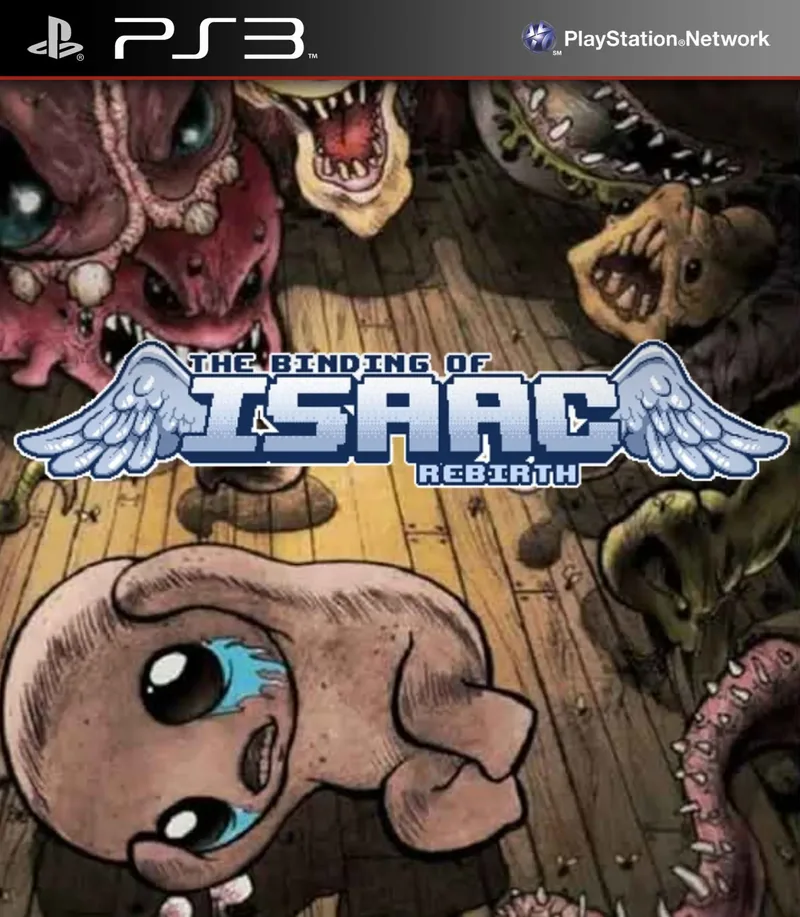
Rebirth is a remake of The Binding of Isaac. The player controls Isaac, a young boy whose mother, convinced that she is doing God's work, strips him of everything and locks him in his room. When Isaac's mother is about to kill him, he escapes to the basement and fights through random, roguelike dungeons.
Credit: OnMyPS3.

Fallout 1
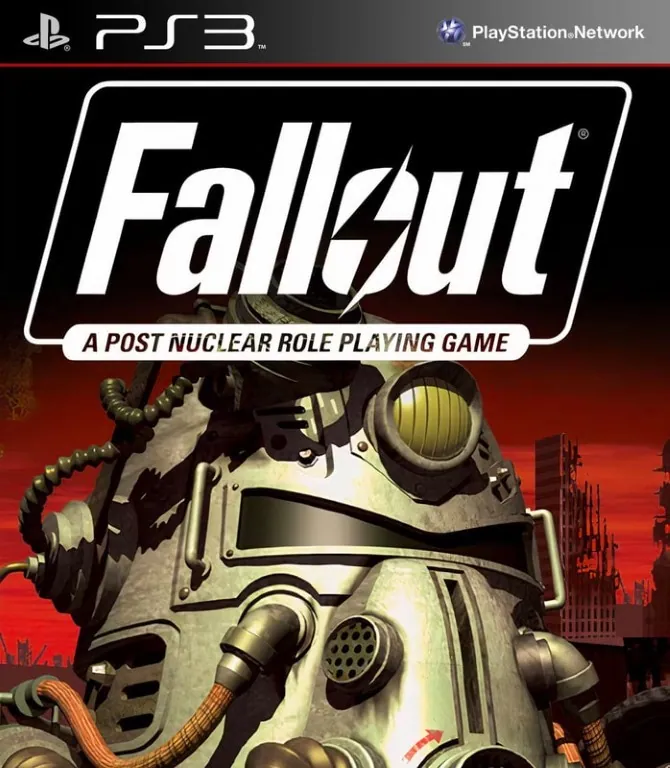
A native PlayStation 3 homebrew port of Fallout 1, built on Fallout Community Edition. The engine is cross-compiled for the Cell PPU and renders through an RSX-accelerated SDL2 backend.
Ported by akinozgen.
Installation
Installing
- Copy
fallout1-ce-ps3-hen.pkgto the root of a FAT32 USB drive. - On the console, open Package Installer and install it.
- Copy your game files (see below), then launch Fallout 1 (CE Port).
Game data
Copy these from the root of your PC installation of Fallout 1 into /dev_hdd0/game/FALL1CE00/USRDIR/:
- MASTER.DAT
- CRITTER.DAT
- DATA/
- fallout.cfg (optional)
Use FTP or a USB drive copy to the dev_hdd0 folder. Filename case does not matter. Saves are written to DATA/SAVEGAME/ in the same directory.
If the game starts and exits immediately, the data is not in this directory.
DevilutionX (Diablo and Hellfire)
Blizzard’s 1996 action RPG on the PS3, through DevilutionX: the community engine that runs Diablo and its Hellfire expansion with bug fixes and optional quality-of-life features. It runs natively, drawn by the RSX through SDL2.
The port is experimental, so expect rough edges.
Requirements:
- A PS3 on CFW or HEN
DIABDAT.MPQfrom your own copy of Diablo (the CD, GOG or Battle.net). For Hellfire, alsohellfire.mpq,hfmonk.mpq,hfmusic.mpqandhfvoice.mpq. No game data is included.
Installation
Install the .pkg from the release page with Package Manager.
By FTP, copy DIABDAT.MPQ (and the Hellfire MPQs, if you have them) to /dev_hdd0/game/DEVILUT00/USRDIR/.
Saves and settings are kept in the same folder.
To play the intro movies on the PS3, convert your MPQs first with the repo’s prepare_ps3_fmv_mpqs.py script (details in its PS3 README).
PS3 port by kadorna1, built on DevilutionX by diasurgical.
Ship of Gadeguion (Ocarina of Time)
Ship of Harkinian, the PC port of the N64’s Ocarina of Time, running natively on the PS3. It isn’t an emulator: the decompiled game code is built for the Cell, the RSX draws the graphics and the music and sound are mixed on an SPU.
What works:
- Title screen, file select, saving and loading. Tested from a new file through Kokiri Forest, with much of the rest not played yet
- Music and sound effects
- 60 fps with frame interpolation in most scenes (busy areas drop lower)
- 4:3 and 16:9 TVs, including CRTs at 480i/480p
- Saves show up in the XMB’s Saved Data Utility
Ship of Harkinian’s own menus and extras (randomizer, texture packs, custom models) aren’t in this port.
Requirements:
- A PS3 on HEN or CFW
- Your own NTSC-U 1.0 ROM, turned into
oot.o2rwith Ship of Harkinian 9.2.x on a PC. No game data is included.
Installation
- Run Ship of Harkinian 9.2.x on your PC once and give it your ROM. It creates
oot.o2rnext tosoh.exe(useoot.o2r, notsoh.o2r). - Download
ShipOfGadeguion-Packager-<version>.exefrom the release page, open it, pick youroot.o2rand click Build PKG. On Mac or Linux, use the-Python.zipversion instead. - Install the PKG it makes with Package Manager, then start Ship of Gadeguion from the Game column.
To update, build a new PKG with the newer packager and install it over the old one. Your saves are kept. Select quits back to the XMB.
PS3 port by Gadega, built on Ship of Harkinian by HarbourMasters and the OoT decompilation.
Thrill Kill
A cancelled fighting video game developed by Paradox Development for the PlayStation. The game's plot involves ten people who all get sent to Hell after dying on Earth and are forced by Marukka, the Goddess of Secrets, to fight to the death for a chance at reincarnation.
Credit: Arsenal-7865Plays.

Fursan al-Aqsa: Knights of al-Aqsa Mosque
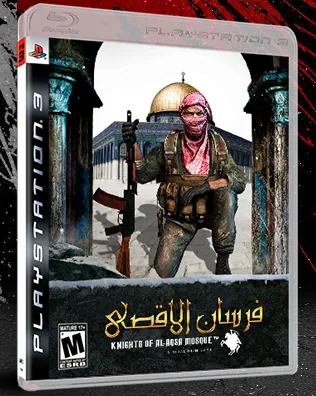
A third-person action game where you play as Ahmad al-Ghazzawi, a young Palestinian student who was unjustly tortured and jailed by Israeli soldiers. After his family is killed by an Israeli airstrike, he seeks revenge against those who wronged him and stole his homeland.
Credit: nidalnijmgames.

Minecraft: Java Edition (ConsoleCraft)
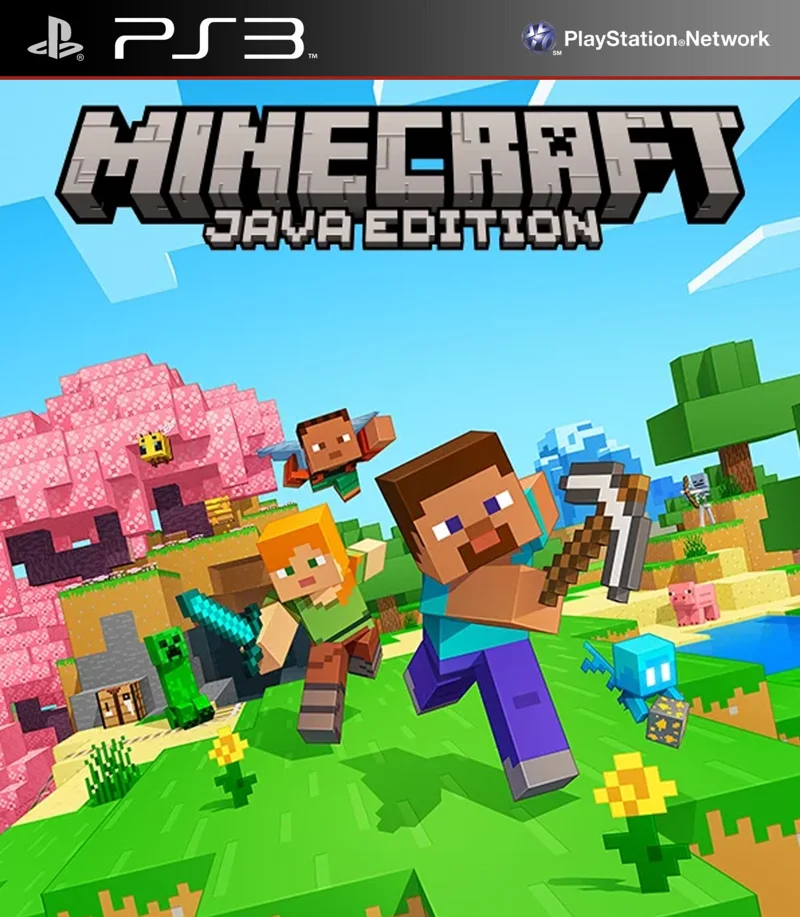
Minecraft with Java Edition 1.16 content on the PS3. Beta 2.2 fixes crashes and adds customisable superflat worlds.
Note: the off-hand (second hand) slot is turned off for now, because players reported it crashing the game.
By Cavalo666.

Classic FPS
Half-Life 1, Opposing Force and Blue Shift (xashPS3)
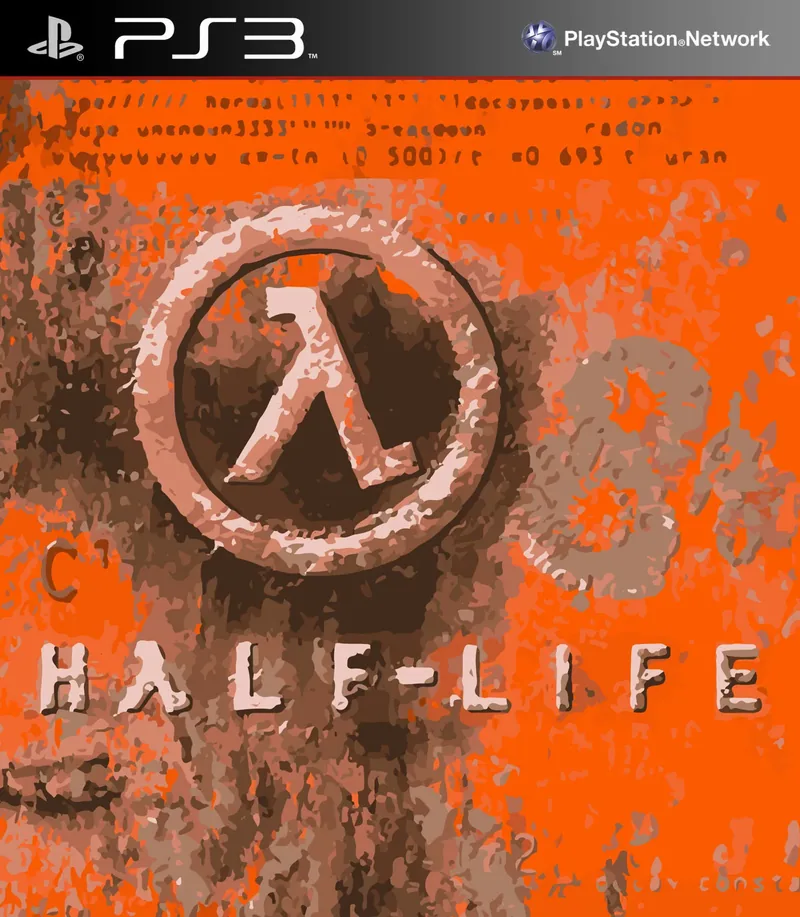
A PlayStation 3 homebrew port of Xash3D-FWGS, the open-source GoldSrc-compatible engine. Built against the PSL1GHT / ps3toolchain homebrew SDK for real PS3 hardware.
What's included:
- Half-Life 1
- Half-Life: Opposing Force
- Half-Life: Blue Shift
Requirements:
- Real PS3 hardware (CFW or HEN required)
- Game files from legitimate copies of the games
Installation
Place your valve (Half-Life), gearbox (Opposing Force) or bshift (Blue Shift) folders inside /dev_hdd0/data/xash3dfwgs/ (folder name must be lowercase). Be sure to delete the config and controller cfg files. The game makes fresh ones on boot.
Known issues
Flashlight/torch lighting is visually wrong. Toggling the flashlight does change the scene (dynamic lightmap updates and moves with the view), but the final composited lighting is not correctly localized the way it is on PC, so you don't get the lit-up cone around the aim point. Root cause not yet found.
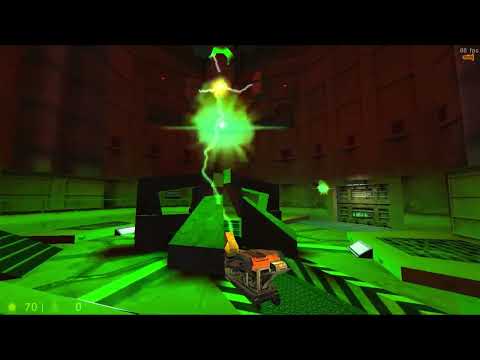
DOOM
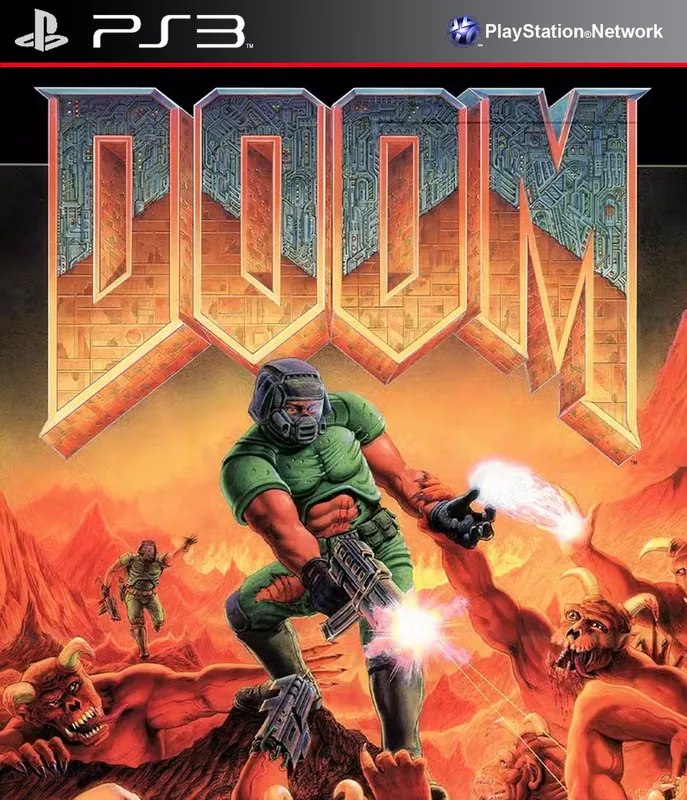
Released in 1993, DOOM played a significant role in popularising first-person shooter games and pushed 3D graphics further than almost anything before it.
Crispy Doom is a limit-removing enhanced source port of Doom, Heretic, Hexen and Strife. This project adds a full PS3 platform layer: RSX video, libaudio sound and music, DualShock 3 input, and a WAD launcher built for a console.
Credit: stingziz0u.

TyrQuakeCell
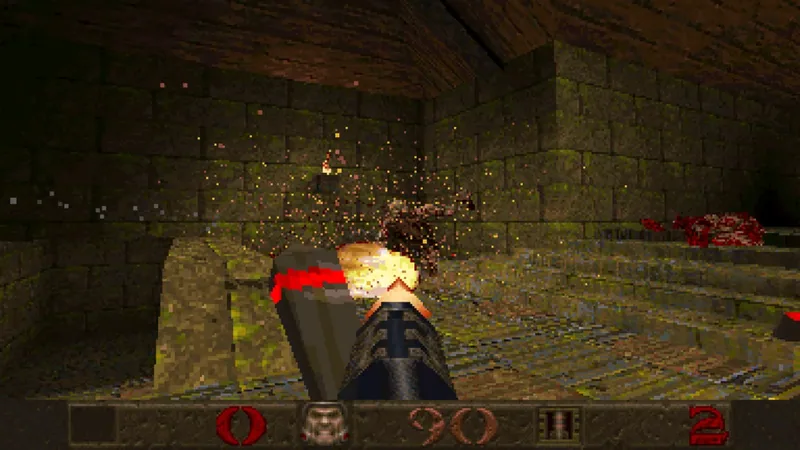
A native homebrew port of TyrQuake for the PS3.
Ported by stingziz0u.
Features
- Video: TyrQuake's OpenGL renderer drawn by the RSX (stable 60fps, up to 1280x720), or the original software renderer in the separate "SW" packages. Everything is set from Options → Video Settings.
- Audio: real hardware audio on its own dedicated thread, OGG background music.
- Input: DualShock 3 (movement, look, every action), USB mouse, USB keyboard. Every action is rebindable from the in-game Customize Controls menu.
- Compatibility: shareware and full registered Quake, save/load, demo playback, both official mission packs as separate installs.
Requirements
- A PS3 capable of running homebrew (either HEN or CFW)
- Your own legally-owned copy of Quake. No game data is included in any release build.
Install
Install TyrQuake.gnpdrm.pkg from the XMB (shows up as "TyrQuakeCell"). This creates /dev_hdd0/game/TYRQ00001/USRDIR/, including empty id1/music/, hipnotic/music/, and rogue/music/ folders.
By FTP, place your own game data there:
TYRQ00001/USRDIR/id1/pak0.pak: required
TYRQ00001/USRDIR/id1/pak1.pak: optional, full game only
TYRQ00001/USRDIR/id1/music/: optional, track02.ogg .. track11.ogg
Mission packs are separate installs sharing the same data. Install TyrQuakeHipnotic.gnpdrm.pkg and/or TyrQuakeRogue.gnpdrm.pkg, then drop each expansion's pak0.pak into:
TYRQ00001/USRDIR/hipnotic/pak0.pak
TYRQ00001/USRDIR/rogue/pak0.pak
Filenames are case-sensitive. pak0.pak and PAK0.PAK are different files as far as the PS3 is concerned.
YamagiQuake2
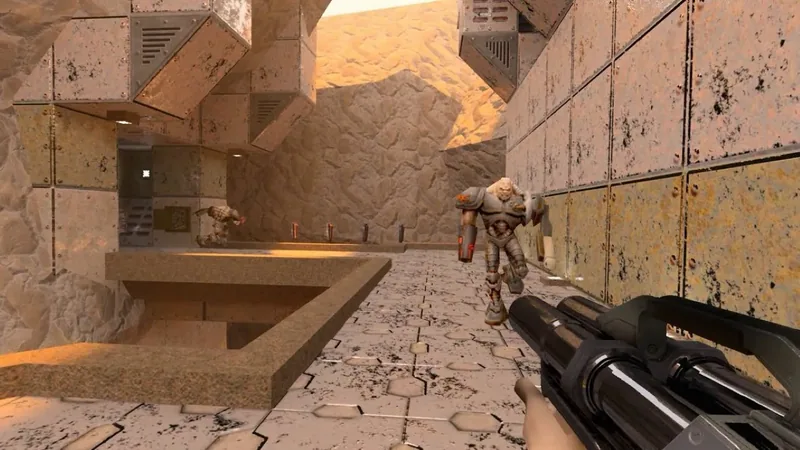
A native homebrew port of Yamagi Quake II for the PS3, with a hardware (RSX) OpenGL renderer and both official mission packs built in.
Requirements:
- A PS3 capable of running homebrew (HEN or CFW)
- Your own legally-owned copy of Quake II (and the mission packs if you want them). Use the original game's data (CD, GOG or the original Steam release). The 2023 re-release's data is not supported.
Ported by stingziz0u.
Install
Install quake2ps3-1.1.pkg from the XMB (shows up as "Quake II"). This creates /dev_hdd0/game/QUAKE2PS3/USRDIR/ with every folder ready to fill.
By FTP, copy your game data there:
QUAKE2PS3/USRDIR/baseq2/pak0.pak: requiredQUAKE2PS3/USRDIR/baseq2/pak1.pak: if your version has itQUAKE2PS3/USRDIR/baseq2/pak2.pak: if your version has itQUAKE2PS3/USRDIR/baseq2/video/: optional .cin cinematicsQUAKE2PS3/USRDIR/music/: optional, Track02.ogg .. Track21.ogg
Don't replace baseq2/yq2.cfg: it holds the PS3 defaults.
Mission packs (optional):
QUAKE2PS3/USRDIR/xatrix/pak0.pak: The ReckoningQUAKE2PS3/USRDIR/rogue/pak0.pak: Ground Zero
Saves and config.cfg live in /dev_hdd0/data/quake2/<game>/.
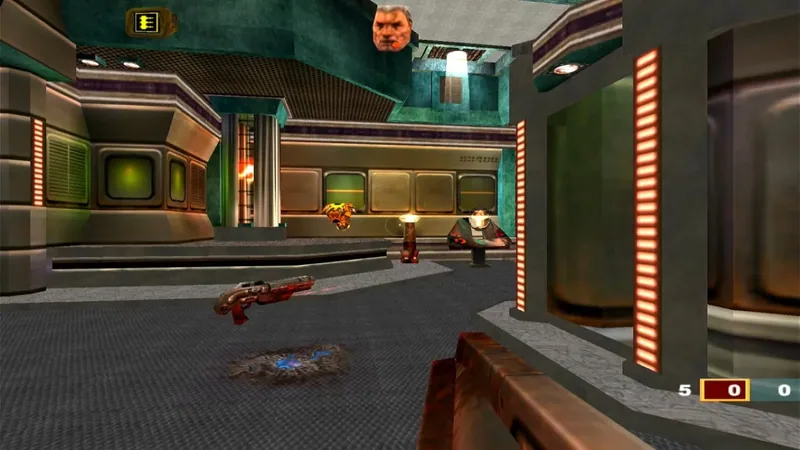
ioQuake3
ioRTCW (Return to Castle Wolfenstein)
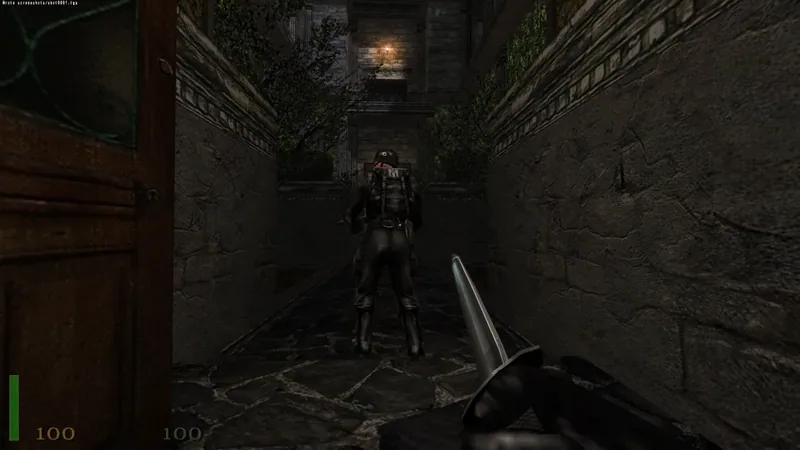
A native homebrew port of iortcw (Return to Castle Wolfenstein, single player) for the PS3.
Features
- The whole single player campaign: every mission and the six cutscene levels between them. Level transitions, the mission briefing screens, saves and loads all work.
- Video: mostly 60 fps at 1280x720 on the RSX through ps3gl (there are some dips here and there).
- The renderer's back end runs on the PPU's second hardware thread, like the original game's r_smp.
- Distance fog is rendered with GPU shaders.
- TV screen fit (overscan) goes from 70 % to 100 %, applied live from the video menu.
- Audio: hardware audio on its own thread. The mixer runs at the game's native 22050 Hz and is resampled to 48 kHz, with music and voices as in the original.
- Input: DualShock 3.
- Every action is rebindable from Options -> Controls with the pad, and the menus show the PS3 button names.
- An optional lock-on (L2) makes the view follow the nearest visible enemy while held.
- The menus, built for a mouse on PC, are fully usable with the D-pad, and the right stick moves a pointer.
- Save names are typed with the XMB on-screen keyboard. An empty name saves as <map>_<nn>.
- Saves and settings on the HDD, and a log of every run for troubleshooting.
Requirements:
- Real PS3 hardware (CFW or HEN required)
- Your own legally-owned copy of Return to Castle Wolfenstein, patched to 1.41 (the Steam version already is).
Installation
Install iortcw-ps3-1.0.pkg from the XMB (it shows up as "Return to Castle Wolfenstein"). This creates /dev_hdd0/game/IORTCWPS3/USRDIR/main/, empty and ready to fill.
By FTP, copy these files from your game's Main folder:
IORTCWPS3/USRDIR/main/pak0.pk3 <- required
 IORTCWPS3/USRDIR/main/sp_pak1.pk3 <- required
 IORTCWPS3/USRDIR/main/sp_pak2.pk3 <- required
 IORTCWPS3/USRDIR/main/sp_pak3.pk3 <- required
 IORTCWPS3/USRDIR/main/sp_pak4.pk3 <- required
Filenames are case-sensitive on the PS3: keep them lowercase, exactly as above.
Saves go to USRDIR/main/save/ and the settings to USRDIR/main/wolfconfig.cfg. The log is USRDIR/iortcw-ps3.log (the previous run's is kept as iortcw-ps3.old.log). If the game doesn't start, the log says why, and a missing .pk3 is the usual cause.
OpenMoHAA (Medal of Honor: Allied Assault)

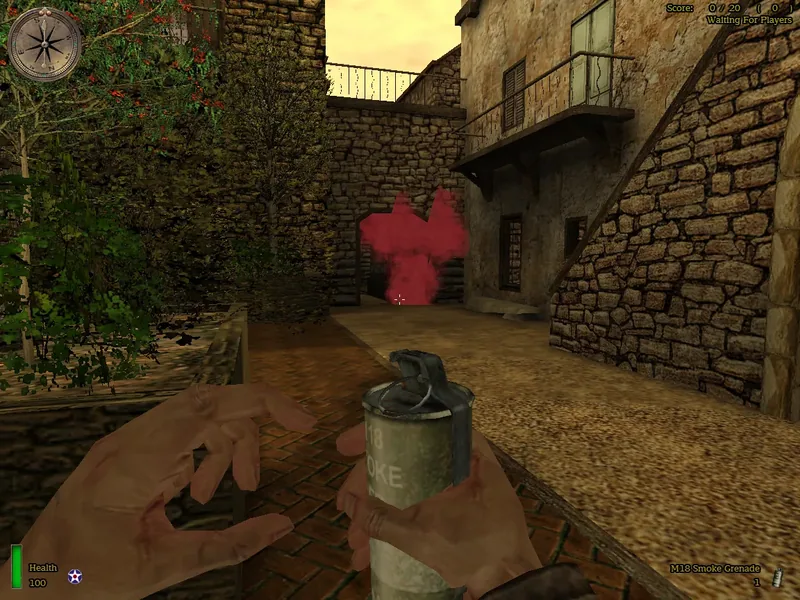
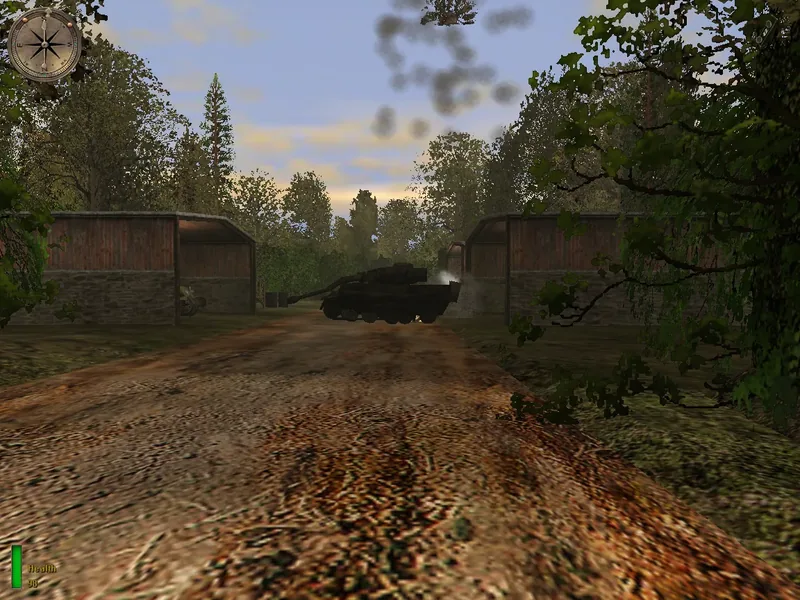
An early work-in-progress PS3 port of OpenMoHAA, the open-source engine for Medal of Honor: Allied Assault. It’s built on the same groundwork as the ioQuake3 and ioRTCW PS3 ports.
Current status (first pre-release, V0.0.0.01a)
- Boot camp and the first mission load, though slowly, and the first mission can crash at random.
- Runs at 720p. Sound effects work; music and other audio don’t yet.
- In the menus, the left stick moves the pointer and Square clicks.
- The developer describes most features as “half baked”, so expect bugs. It’s one to watch rather than one to play through yet.
Requirements:
- Real PS3 hardware (CFW or HEN required)
- Your own copy of Medal of Honor: Allied Assault War Chest (the GOG version). The game files aren’t included.
Installation
Install the .pkg from the release page from the XMB. It installs to /dev_hdd0/game/OMOHAA020/.
By FTP, copy the files from your GOG Allied Assault War Chest install into /dev_hdd0/game/OMOHAA020/USRDIR/.
Start the game from the XMB.
Nazi Zombies: Portable
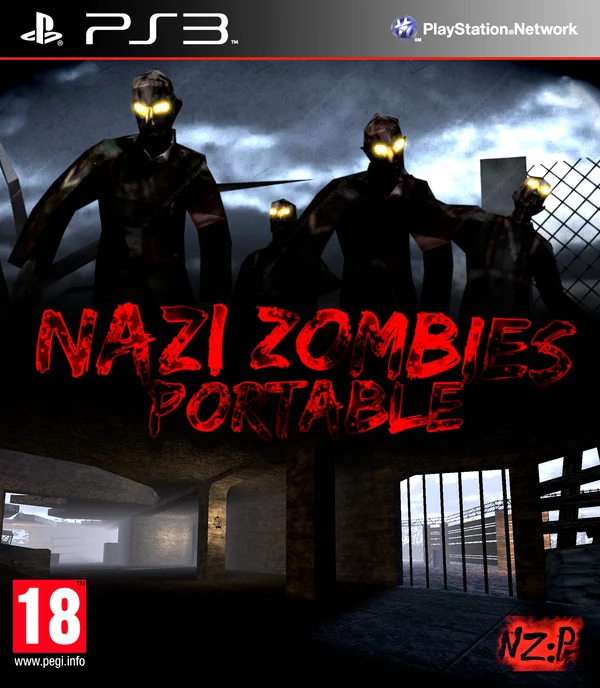
The NZ:P team’s official PS3 build of Nazi Zombies: Portable, the fan-made Call of Duty: World at War zombies remake, running on their Vril engine. It comes from the team’s nightly builds, so it’s updated whenever the game changes.
Install:
- Download
nzportable-ps3.zipand extract it. - Install
nzportable.pkgfrom Package Manager → Install Package Files. - Copy the game data from the zip to
/dev_hdd0/game/NZPT00001/USRDIR/over FTP.
Note: this is a nightly build, so check the build date on the main menu against the latest nightly to see if you’re up to date.
Looking for the old version? daedra000’s unofficial PS3 port (the one with split screen, Download Maps and the leaderboards) has been retired now that the official port is out. It won’t get any more updates and isn’t available to download. If you already have it installed it still runs, but this is the version to use from now on. Read more.
By the NZ:P team.
Halo: Combat Evolved (OpenCE-PS3)
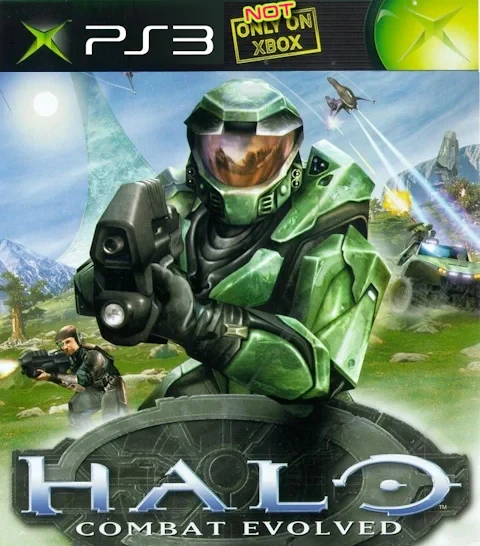
This port compiles the game’s own code (from the decompilation of Xbox build 2342) for the PS3, built on OpenCE. It’s still a work in progress, but there’s a lot here already.
What works:
- 60 fps at 720p, in widescreen or the Xbox’s original 4:3.
- PS3 button icons in the menus and HUD, in two styles.
- Split screen for up to 4 players.
- LAN and internet play, including crossplay with OpenCE on PC. Since the PS3 can’t paste an invite link, it joins games with 8-digit invite codes instead.
Known limits: Custom Edition maps aren’t supported, split screen is locked to 30 fps, and some big fights dip below 60 (turn on dynamic resolution if that bugs you).
Requirements:
- Real PS3 hardware (CFW or HEN required)
- The
mapsfolder from your own Xbox disc image of Halo: Combat Evolved. The game data isn’t included.
Installation
Install halo_ps3.pkg from the release page with Package Manager on the XMB.
Pull the maps folder out of your Xbox disc image with an xiso extractor. (An OpenCE build for Windows or Linux also extracts it on first start.)
By FTP, copy the maps folder to /dev_hdd0/data/HaloCE/. Don’t change any of the files. If there’s no maps folder on the HDD, the game also checks HaloCE/maps on USB drives.
Start Halo: Combat Evolved from the Game column. Settings live in /dev_hdd0/data/HaloCE/config.toml and survive reinstalls.
Doom64
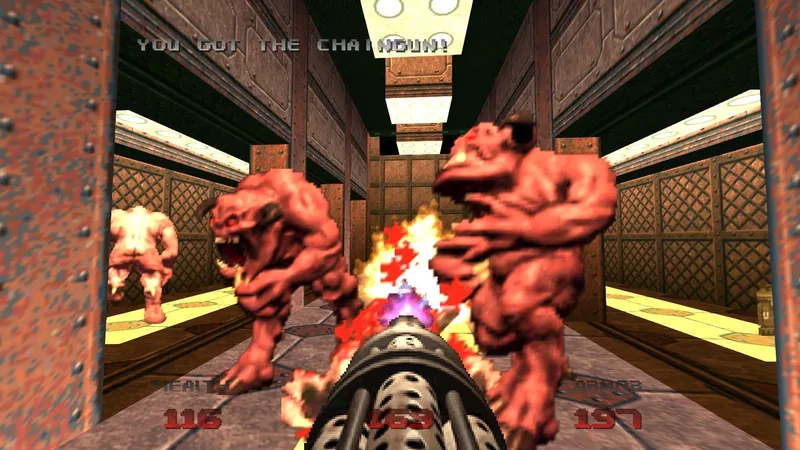
A port of doom64-dc, jnmartin84's Dreamcast port of Doom 64, which in turn is built on DOOM64-RE and Immorpher's Merciless Edition / XE. It runs the original game code natively on the PS3's Cell CPU and RSX GPU. It isn't an emulator.
It ships no game data. Everything comes from your own copy of the game.
Ported by stingziz0u.
Heretic
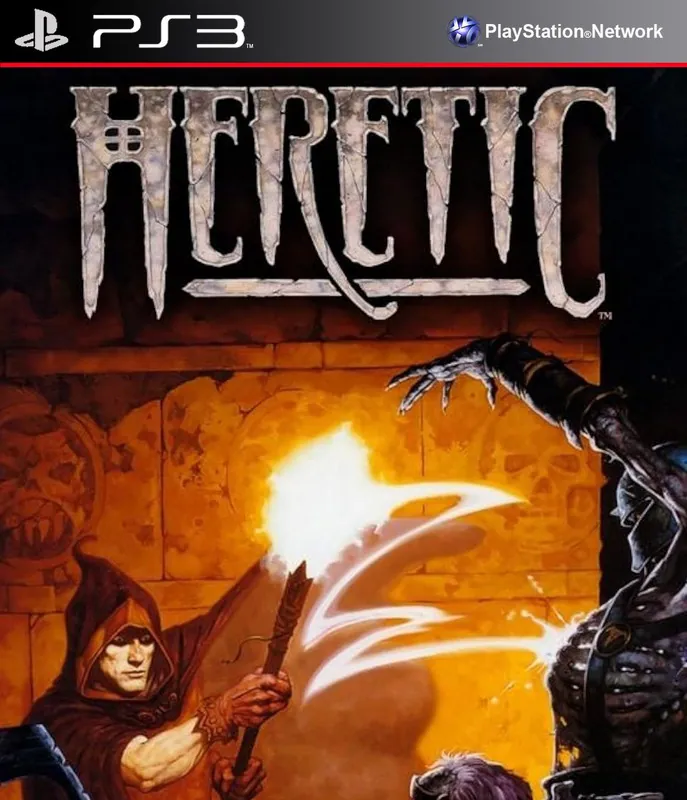
Developed by Raven Software in 1994, this fantasy-themed first-person shooter was among the pioneers in the FPS genre to incorporate inventory management and the capability to look vertically.
Crispy is a limit-removing enhanced source port of Doom, Heretic, Hexen and Strife. This project adds a full PS3 platform layer: RSX video, libaudio sound and music, DualShock 3 input, and a WAD launcher built for a console.
Ported by stingziz0u.

Hexen: Beyond Heretic
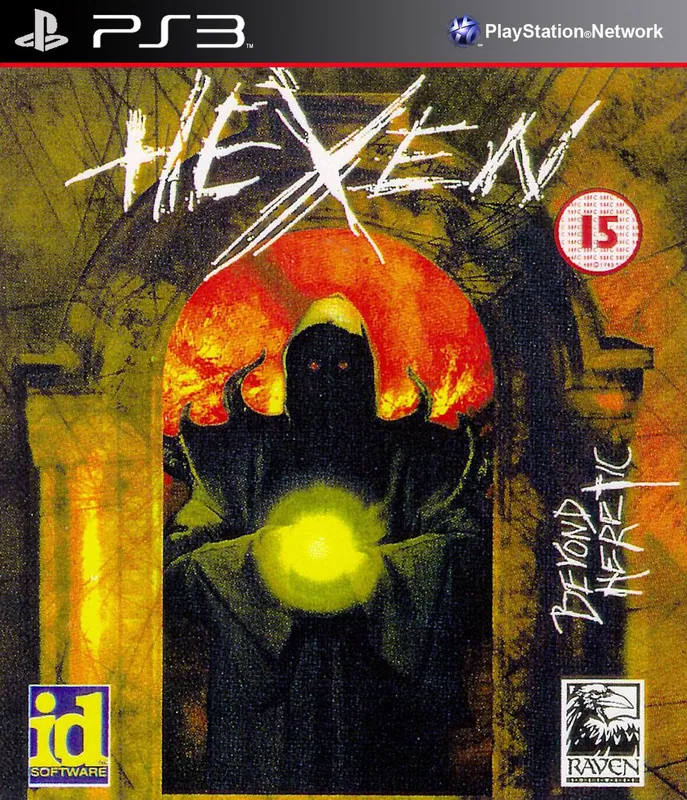
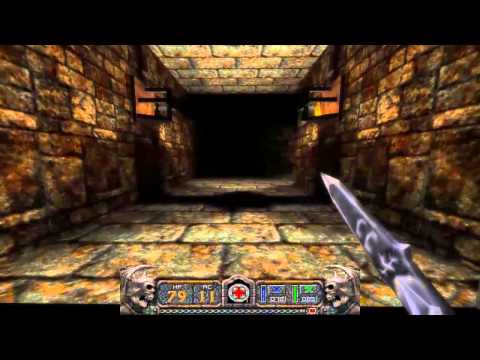
A first-person shooter created by Raven Software in 1995, this game serves as the follow-up to Heretic and is the second installment in the Serpent Riders series.
Crispy is a limit-removing enhanced source port of Doom, Heretic, Hexen and Strife. This project adds a full PS3 platform layer: RSX video, libaudio sound and music, DualShock 3 input, and a WAD launcher built for a console.
Ported by stingziz0u.
Strife
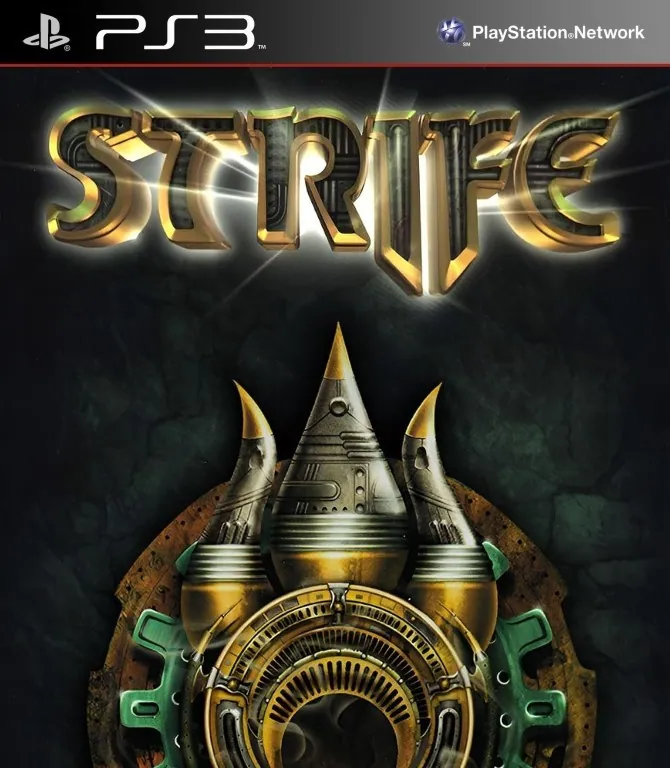
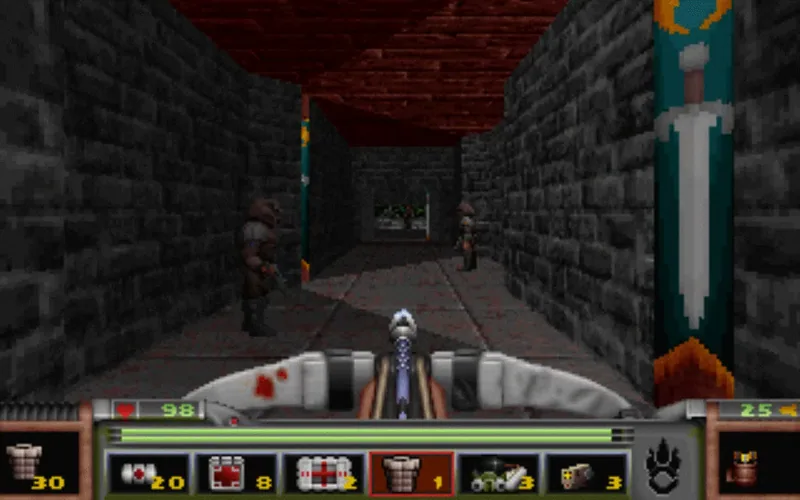
Strife is a 1996 hybrid first-person shooter and role-playing game developed by Rogue Entertainment using a modified Doom engine
Crispy is a limit-removing enhanced source port of Doom, Heretic, Hexen and Strife. This project adds a full PS3 platform layer: RSX video, libaudio sound and music, DualShock 3 input, and a WAD launcher built for a console.
Ported by stingziz0u.
Duke Nukem 3D & Shadow Warrior (EDuke32)
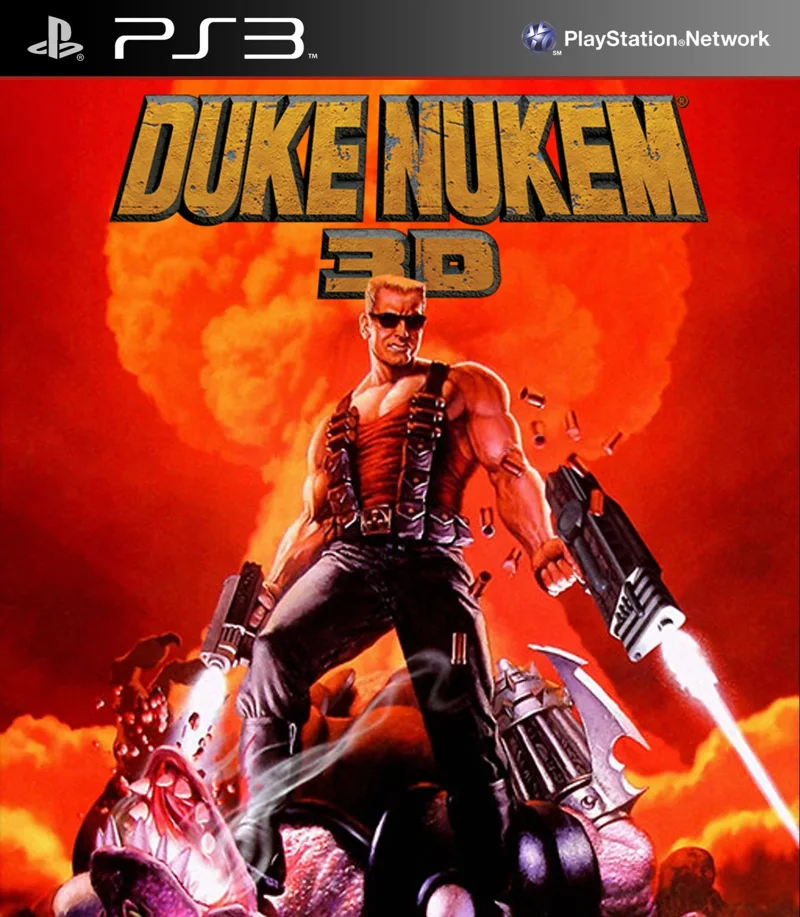
EDuke32, the long-running Duke Nukem 3D source port, and its sibling VoidSW for Shadow Warrior, running natively on the PS3. Each game is its own PKG, with a launcher that lists the base game, its add-ons and your mods.
- Polymost renderer on the RSX at a steady 60 fps, up to 720p
- Duke’s MIDI music through OPL3 emulation or any SoundFont, played on an SPU; Shadow Warrior’s CD soundtrack as OGG or FLAC
- DualShock 3 controls, all rebindable, with an optional lock-on
- Add-ons and mods in an
addonsfolder, with separate saves for each
Requirements: your own game data, copied over FTP after installing.
- Duke Nukem 3D:
DUKE3D.GRPin/dev_hdd0/game/DUKE3DPS3/USRDIR/. Add-ons (Duke It Out in D.C., Caribbean, Nuclear Winter) go inUSRDIR/addons/. - Shadow Warrior:
SW.GRPin/dev_hdd0/game/SHADOWPS3/USRDIR/. The GOG release (Shadow Warrior Classic Redux) has the add-ons and soundtrack too.
Note: tested on real hardware with Duke Nukem 3D and Shadow Warrior and their official add-ons. NAM, Napalm and WWII GI should work with the Duke package but haven’t been tested. No multiplayer, and no keyboard or mouse.
PS3 port by stingziz0u, built on EDuke32 by TerminX, Hendricks266 and contributors.
Blood, Redneck Rampage & PowerSlave (NBlood)
NBlood, the source port of Monolith’s Blood, and the other games from its source tree, running natively on the PS3: Blood with Cryptic Passage, Redneck Rampage with Suckin’ Grits on Route 66, Redneck Rampage Rides Again, and PowerSlave (as PS3Xhumed). Each game is its own PKG with its own XMB entry.
- Polymost renderer on the RSX at a steady 60 fps, with a texture filter and a TV screen fit for sets that cut the edges of the picture
- Music through OPL3 emulation or any SoundFont, played on the SPUs
- DualShock 3 controls, all rebindable, with an optional lock-on and vibration
- Separate saves for each game, with a picture in the Load and Save menus, and an on-screen keyboard for names
Requirements: your own copy of each game, copied over FTP after installing. File names can be in any case. The GOG and Steam releases (Blood: One Unit Whole Blood, and the Redneck Rampage Collection) have everything needed.
- Blood: the files of version 1.21 (
BLOOD.RFF,GUI.RFF,SOUNDS.RFF, theTILESfiles and more) in/dev_hdd0/game/NBLOODPS3/USRDIR/ - Redneck Rampage:
REDNECK.GRPin/dev_hdd0/game/REDNECKRM/USRDIR/; Rides Again in/dev_hdd0/game/REDNECKRA/USRDIR/ - PowerSlave:
STUFF.DATin/dev_hdd0/game/PS3XHUMED/USRDIR/. The intro movie (BOOK.MOV) and the CD music, asTrack02.oggtoTrack19.oggin amusicfolder, are optional.
Note: all four games are tested on real hardware: Blood (One Unit Whole Blood) and Cryptic Passage, Redneck Rampage, Suckin’ Grits and Rides Again, and the original 1996 PowerSlave. The European Exhumed release should work too but isn’t tested. No game data is included.
PS3 port by stingziz0u, built on NBlood by nukeykt, its Rednukem and PCExhumed ports, and EDuke32.
Platformers
Super Mario 64
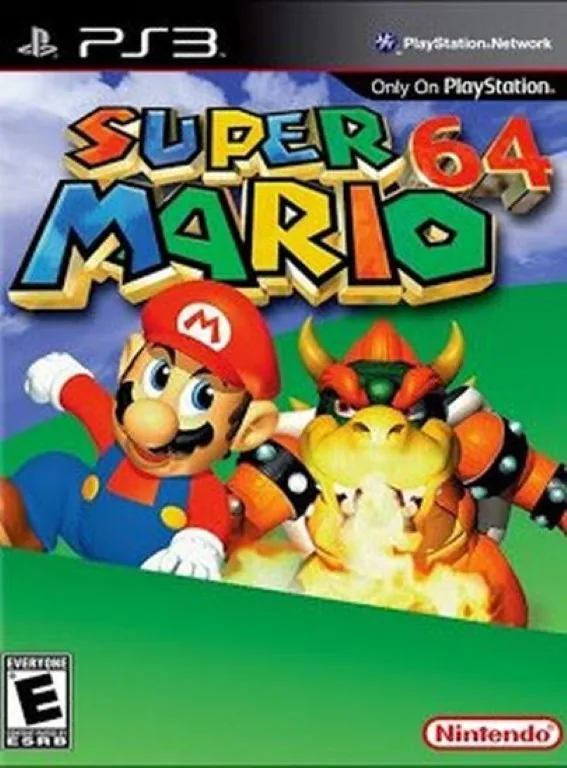
A 3D action-adventure platform game released for the Nintendo 64 in 1996 in Japan and North America, and in 1997 in Europe and Australia.
Ported by sdiraimondo.

Super Mario Sunshine
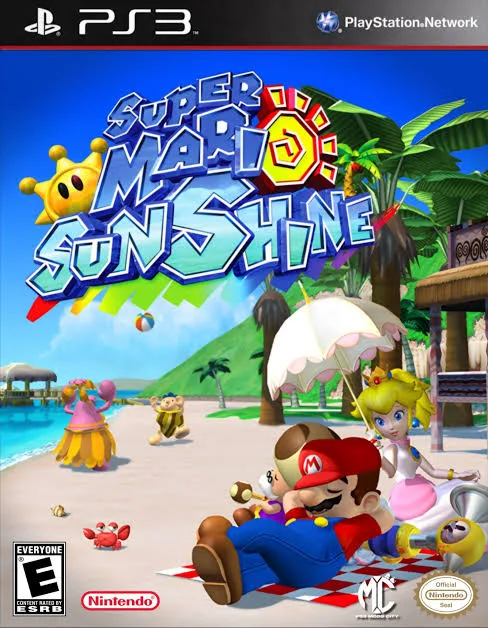
A native PS3 port of Super Mario Sunshine, built from the GameCube decompilation. It comes in two versions, English and Spanish.
Note: it’s a new port and the author is asking for reports on how it runs.
PS3 port by VIDEOGAMES SCZ. Cover art by Sevatar (@The_Night_Lord).

Sonic Mania Plus
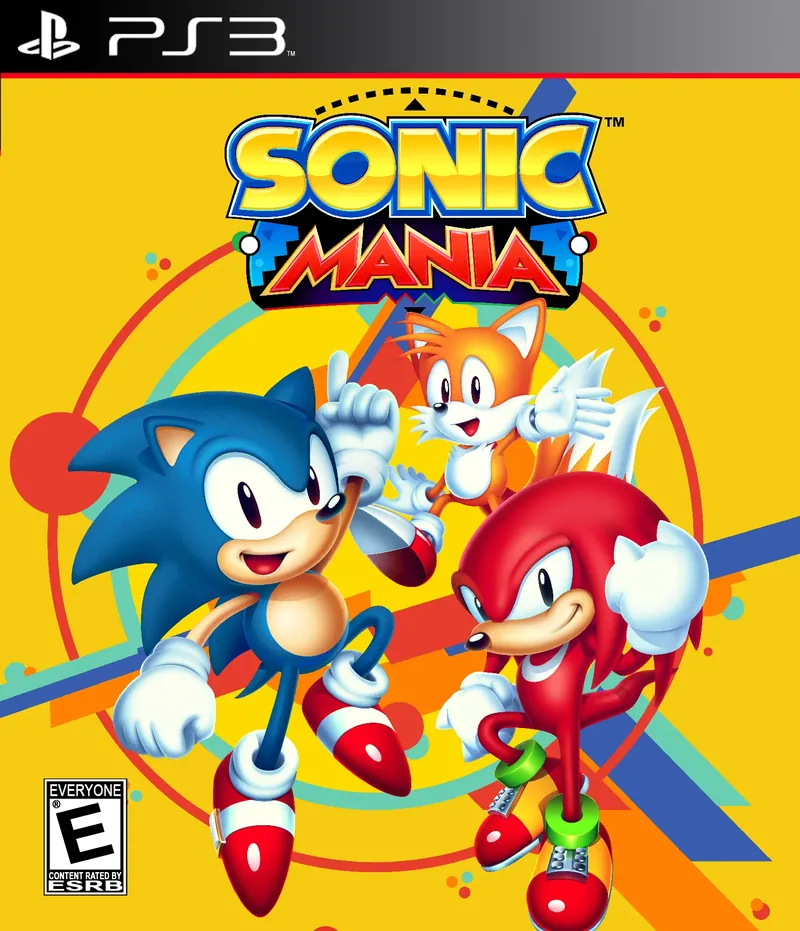
Optimised to run on PS3 hardware.
Paying homage to the original Sega Genesis games. The story follows Sonic, Tails, and Knuckles as they venture to defeat Doctor Eggman and his robotic henchmen, the Hard-Boiled Heavies.
Ported by DropSonic0.

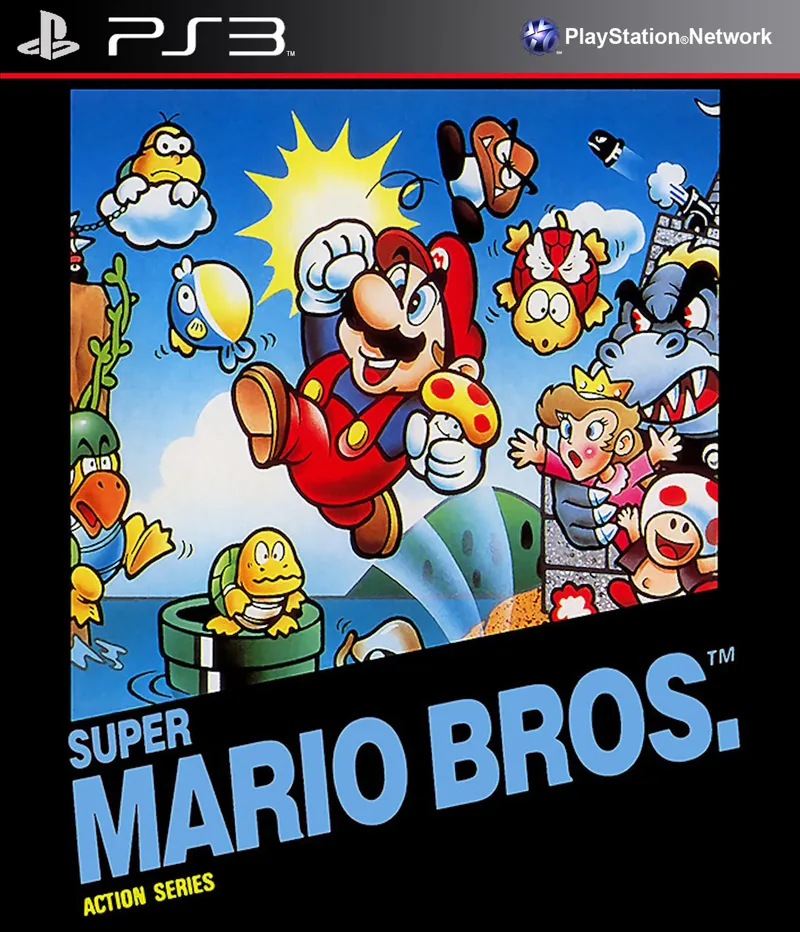
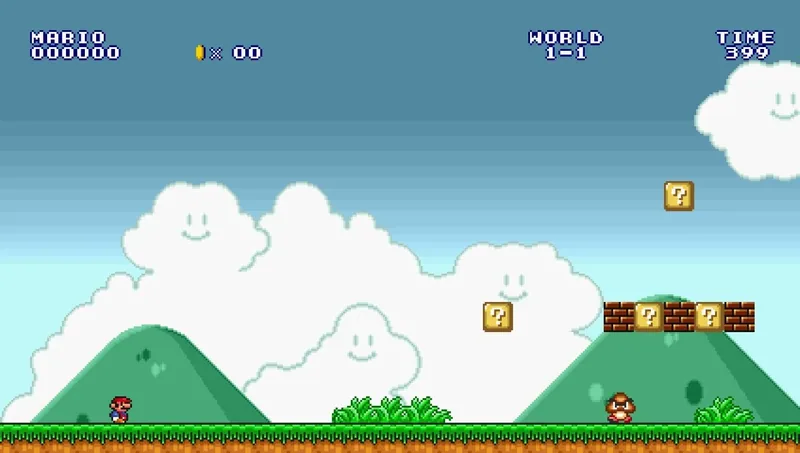
Super Mario Bros.
Sonic Forever
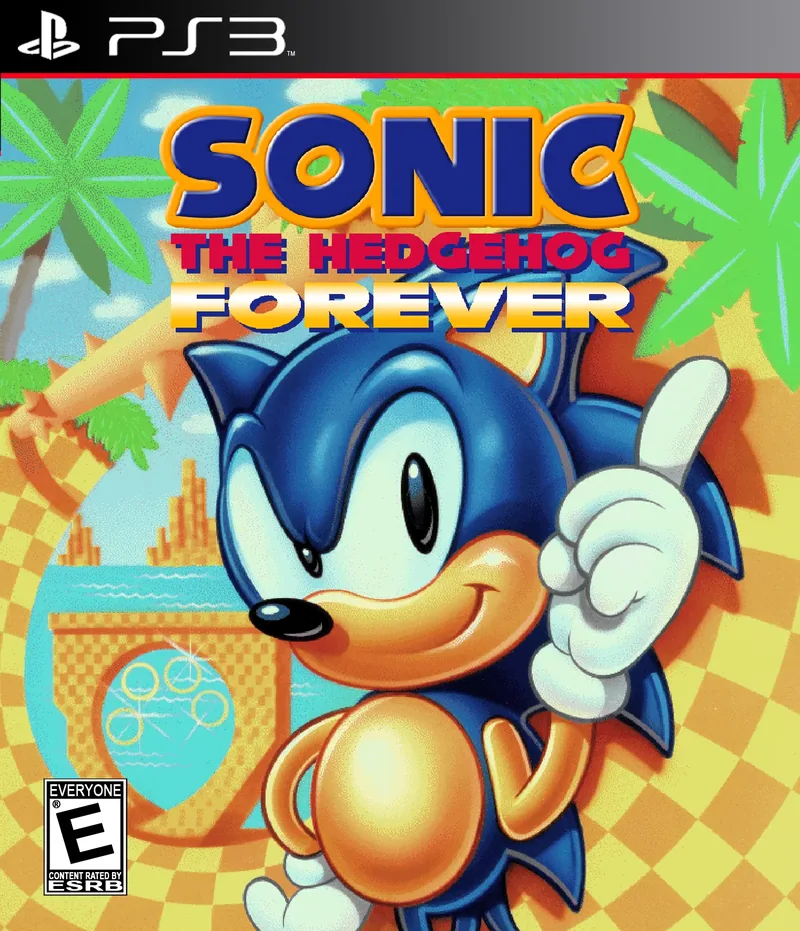
The definitive way to play Sonic 1 on PS3. Based on the mobile port.
To get started:
- Obtain the
Data.rsdkfile from the Android/iOS version of Sonic the Hedgehog Classic (no longer officially available; you'll need an existing copy or alternative source). - Place it in
/dev_hdd0/game/S1F00S2A0/USRDIR/. - (Optional) For mods, create a
modsfolder in the same directory and place your mod folders there.
Ported by DropSonic0.
SegaSonic The Hedgehog

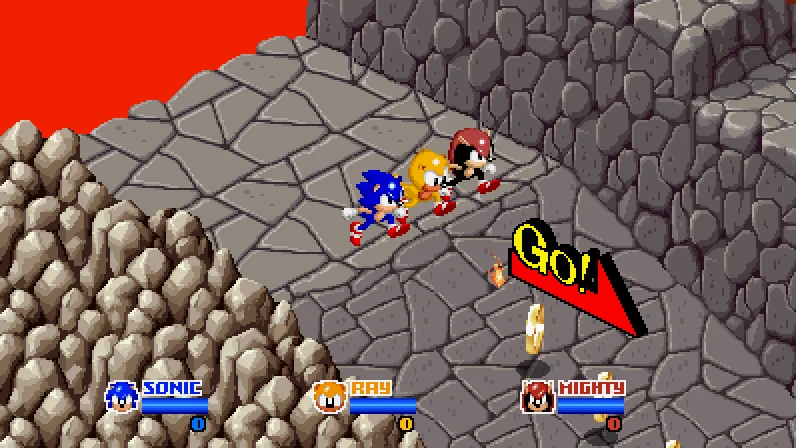
Sega’s 1993 arcade game, the one with the trackball that never got a home release, now running natively on the PS3. It isn’t an emulator: it’s built from a C decompilation of the arcade program, checked frame by frame against MAME.
Features:
- A home “console” version with no coins: continues, Time Attack, Stage Select and an Options menu
- Up to three players (Sonic, Ray and Mighty), just like the 3-player cabinet
- A widescreen 16:9 mode, plus scanline and CRT filters
- Eggman’s lines and the how-to-play in English
Requirements:
- Real PS3 hardware (CFW or HEN required)
- Your own MAME ROM set:
sonic.zip(SegaSonic The Hedgehog, Japan, rev. C). No game data is included.
Installation
Install the .pkg from the release page with Package Manager.
Copy your sonic.zip to /dev_hdd0/game/SEGASONIC/USRDIR/ by FTP, or put it on the root of a USB drive.
Start the game. On the first run it checks the ROM set and builds segasonic.assets from it, then never needs the zip again.
PS3 port by DropSonic0, based on cheviman’s segasonic-port and segasonic-decomp.
Conker’s Bad Fur Day
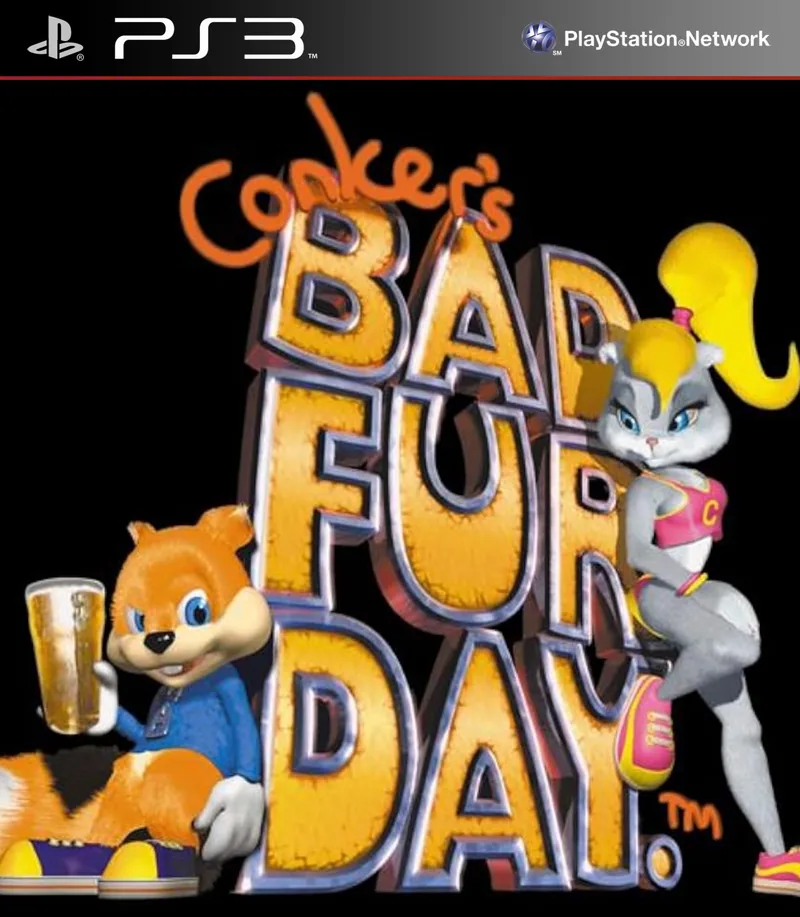
Rare’s 2001 Nintendo 64 platformer, running natively on the PS3. It isn’t an emulator: it’s built on CBFD-Recompiled, a static recompilation that turns the game’s own code into C, compiled for the Cell. The graphics are drawn by the RSX, and the sound runs on an SPU.
- A steady 30 fps like the original, with full sound, and played all the way through on a real console
- Widescreen, at up to four times the N64’s resolution: 432, 648 (default) or 864 lines, switched with Select
- Rumble, and saves kept in
/dev_hdd0/data/conker/, so they survive deleting or updating the game - The XMB icon is replaced with the game’s logo, taken from your ROM
Requirements:
- A PS3 on CFW (tested on Evilnat 4.92). HEN hasn’t been tried.
- Your own Conker’s Bad Fur Day (USA) ROM (
.z64,.n64or.v64), on the top folder of a USB drive for the first start, or in/dev_hdd0/data/conker/by FTP. The European version doesn’t work. No game data is included.
Known issues: one controller only for now, so multiplayer can’t be played yet. 864 lines can drop below 30 fps in busy scenes unless the RSX is overclocked.
PS3 port by MattyKen619, built on CBFD-Recompiled by Sean Ciaschi and N64Recomp.
Prince of Persia (SDLPoP)
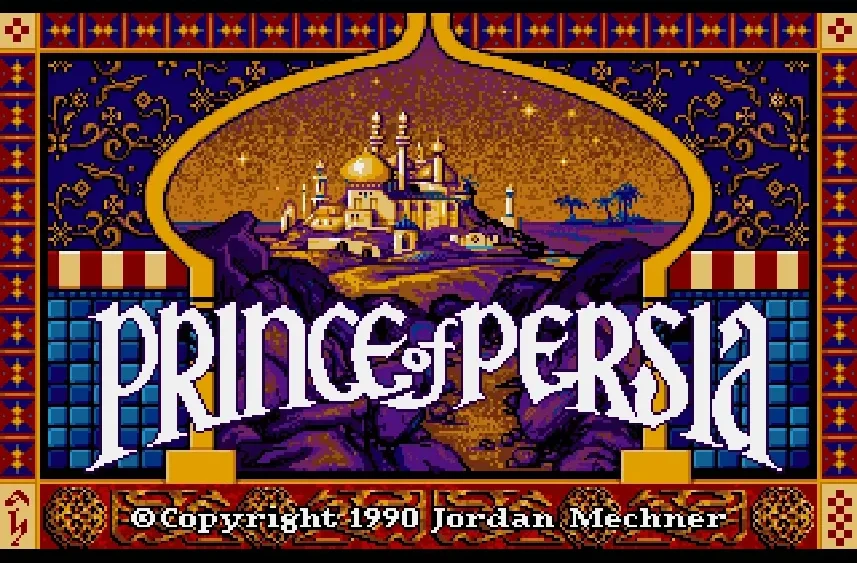
A native PS3 port of SDLPoP 1.24, the open-source remake of the original DOS Prince of Persia, built from its disassembly. The game data comes in the PKG, so you don’t need the DOS files.
- Full screen at 720p or 1080p, kept at 4:3 with sharp scaling, and pulled in slightly so TV overscan doesn’t cut off the HUD
- 48 kHz stereo sound, with the OPL3 music or OGG tracks
- DualShock 3 controls with no setup: L1 quicksaves, R1 quickloads, R3 takes a screenshot, L2/R2 change the volume
- An options menu (Select or Start) for video, audio, saves, cheats and the starting level
Install: copy the PKG to a FAT32 USB drive or /dev_hdd0/packages/, then Package Manager → Install Package Files. It installs to /dev_hdd0/game/SDLP30001/.
PS3 port by theheroGAC, built on SDLPoP by David Nagy (NagyD) and contributors. Prince of Persia by Jordan Mechner.
Racing
Mario Kart 64
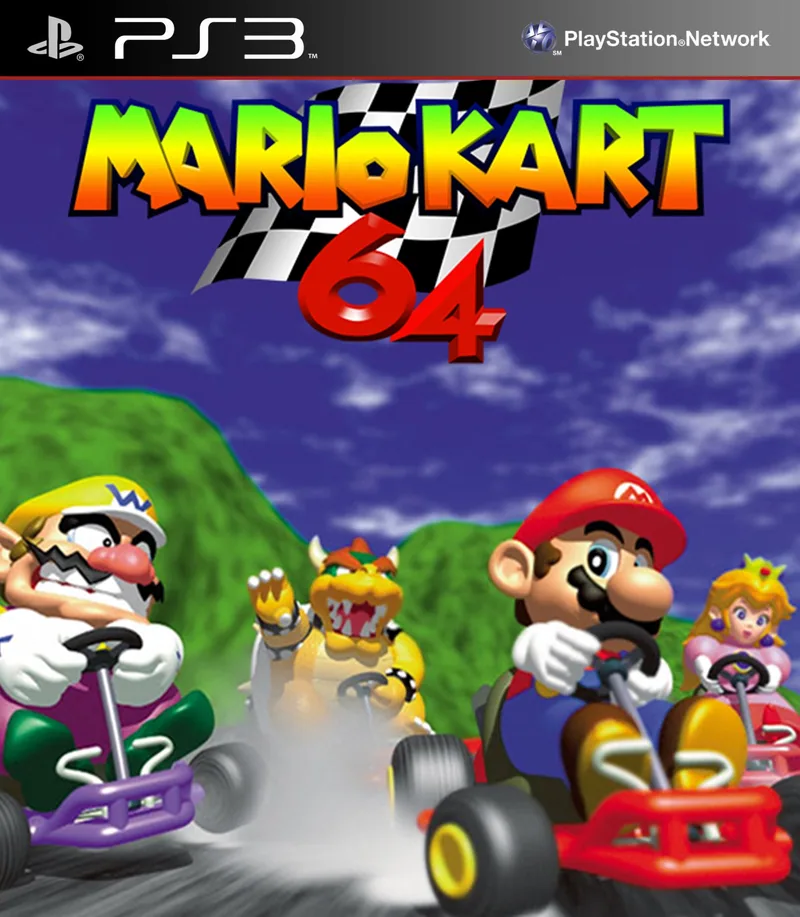
Mario Kart 64 is a classic 1996 kart racing game developed and published by Nintendo for the Nintendo 64. There are two versions: a native PS3 port and a PS2 port.
Native PS3 port
Ported by stingziz0u, built on the n64decomp/mk64 decompilation. Version 1.1.
- Runs natively on the PS3 at 720p, in the original 4:3 or 16:9 with the HUD at the screen edges
- The original 30 FPS or 60 FPS (interpolated)
- 1 to 4 players, one DualShock 3 each, with button rebinding in
mk64.cfg - Full sound and music, saves, and Time Trial ghosts
- Mods that only change data work: new characters, karts, textures, courses and audio
Requirements: your own Mario Kart 64 (USA) ROM (.z64), copied to /dev_hdd0/game/MK64PS300/USRDIR/. No game data is included.
PS2 version
Ported by anthoo582.
This port contains:
- The 20 tracks, the 8 characters and all modes: Grand Prix, Time Trial, VS for 2 to 4 players and Battle.
- Original audio: ROM samples mixed with the same arithmetic as the N64, outputting at 48 kHz.
- 15+ New Tag Teams
- Optional 60 FPS mode (R3). Adds an intermediate frame only if the free CPU reaches; the logic continues at 30 Hz as in the original.
- Saves to Memory Card.
- Fault screen with the status of each thread if the game crashes.

Sonic R

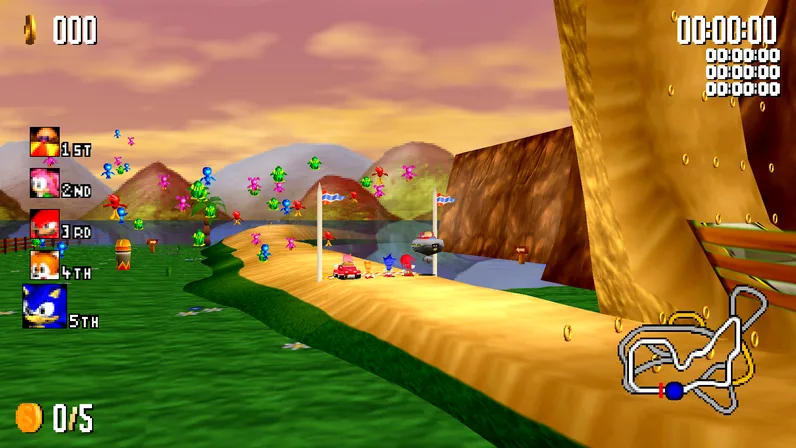
Sonic Team’s 1997 3D racer, running natively on the PS3. It isn’t an emulator: it’s a reimplementation of the 1998 PC release, decompiled from the original executable and rebuilt in C, then tested against the real game.
Requirements:
- Real PS3 hardware (CFW or HEN required)
- Your own copy of Sonic R for PC. Only the engine is included, not the tracks, models, textures or music.
Installation
Install SONICR_PS3.pkg with Package Manager.
The PKG doesn’t include the game data. Copy the data from your PC copy of Sonic R to /dev_hdd0/game/SONYCR026/USRDIR/DATA/ by FTP, then start the game.
PS3 port by DropSonic0.
OutRun (Cannonball)
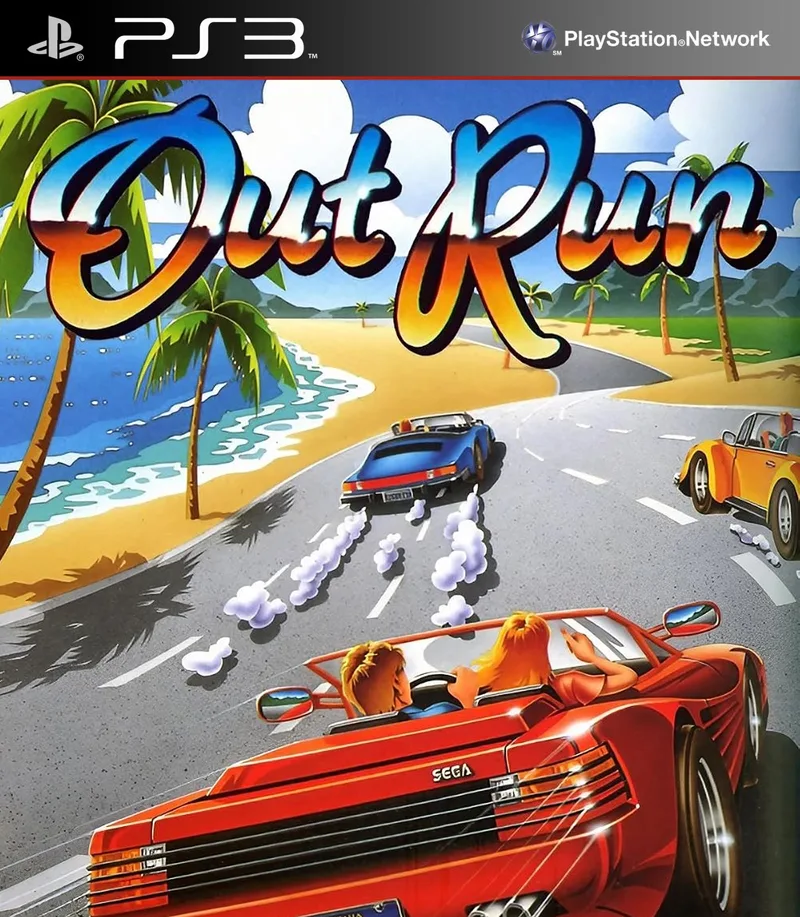
A native PS3 port of Cannonball, the enhanced game engine for Sega’s arcade OutRun. Play it as the original 4:3 arcade game, or in enhanced mode with 16:9 widescreen, 60 fps, hi-res sprites and optional bug fixes.
- Arcade, Continuous (all 15 stages) and Time Trial modes, plus Cannonball’s classic Road Menu (L2 + R2 + Start)
- Ferrari colours, your own music in
/dev_hdd0/cannonball/music/and a jukebox - Analog driving on the DualShock 3: R2 or Cross to accelerate, L2 or Square to brake, R1/L1 to change gear, Circle for the camera
- A 720p menu for saves, video (aspect, CRT scanlines, filtering, overscan), audio, engine and controls, and a quick pause menu (Select)
- High scores for each mode and three profile slots
Requirements: your own OutRun (Revision B) MAME ROMs, loose or as outrun.zip. Put them in /dev_hdd0/cannonball/roms/, or on a USB drive in /dev_usb000/cannonball/roms/ and press Square in the Missing Game Data window to copy them over. That window lists any files that are missing.
PS3 port by theheroGAC, built on Cannonball by djyt. OutRun by Sega.
Extreme Tux Racer
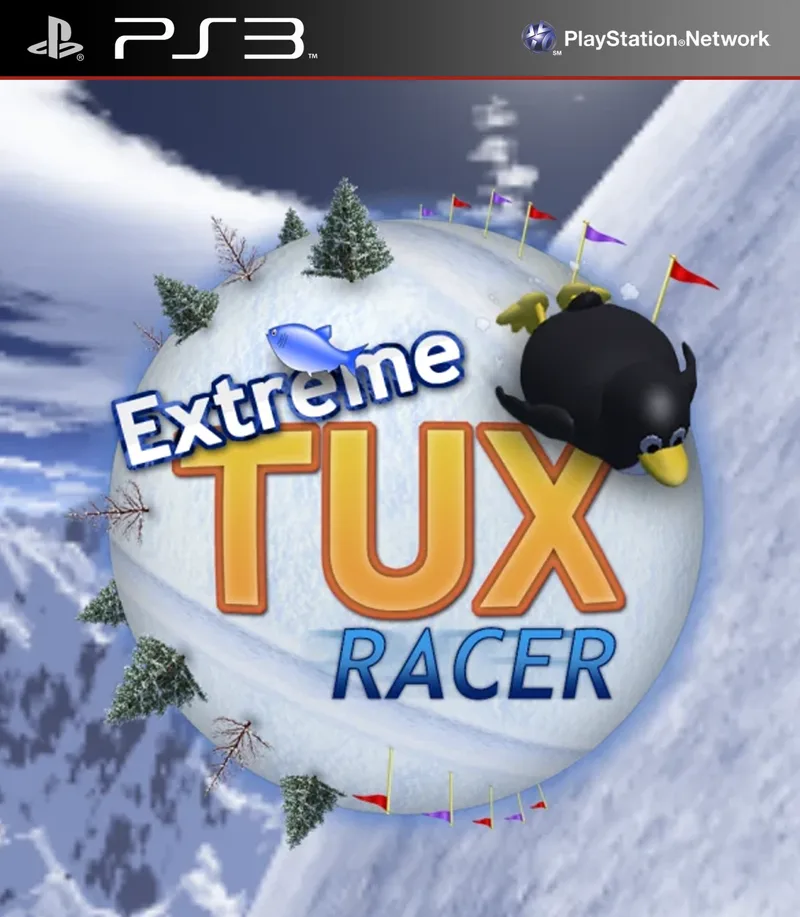
A native PS3 port of Extreme Tux Racer 0.8.4, the open-source downhill racer: slide Tux and friends down snowy courses, grabbing herring and dodging trees. This version adds a speedometer with RPM and gears, high scores with pictures, and simpler menus with one combined level select.
- Version 1.1.0 is a big speed-up for the RSX renderer, with batched drawing and faster shadows and particles
- Tree collisions match what you see, and trees and the course map draw further away
- DualShock 3 controls: left stick to steer, R2 or Square to accelerate, L2 or Circle to brake, Cross to charge a jump, Triangle for tricks, L1/R1 to change gear
Note: there’s no sound yet. Installs as EXTR00001, over 1.0.0 if you have it. The author lists it for CFW.
PS3 port by tpolasek, built on Extreme Tux Racer.
Fighting
Super Smash Bros.
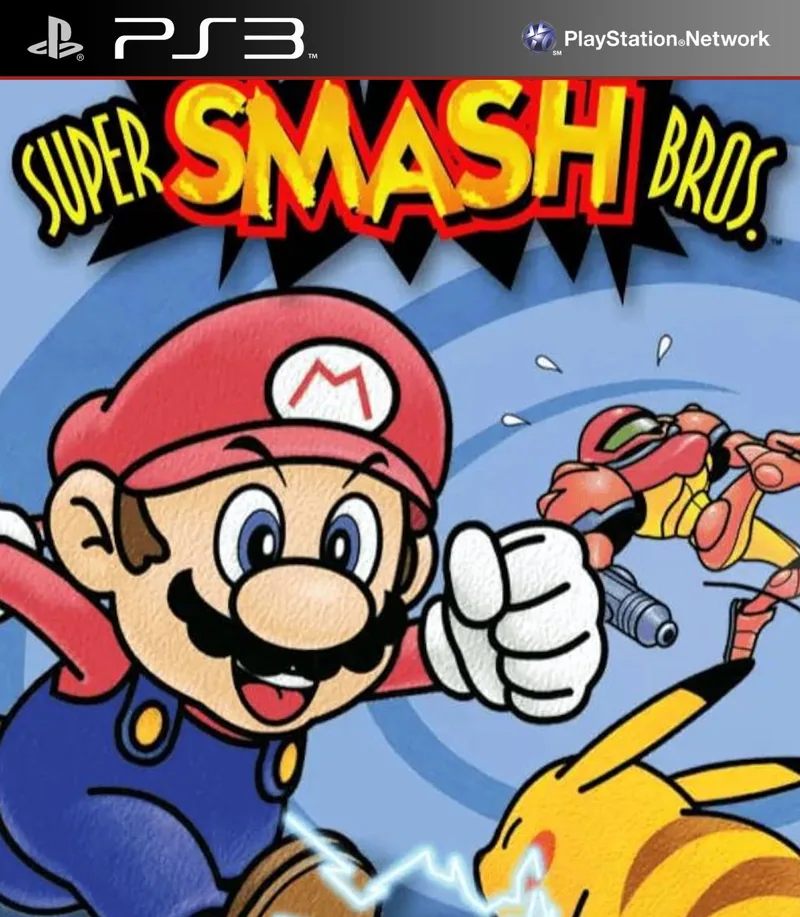
Super Smash Bros. is a 1999 crossover fighting game developed by HAL Laboratory and published by Nintendo for the Nintendo 64. There are two versions: a native PS3 port and a PS2 port.
Native PS3 port
Ported by stingziz0u, built on the ssb-decomp-re decompilation. Version 1.0.
- Runs natively on the PS3, no emulation, drawn by the RSX at 720p (4:3)
- The game’s own sound and music
- 1 to 4 players, one DualShock 3 each
- Saves for records, unlocks and options
- Mods that only change data (textures, models, stages, music) can work
Requirements: your own Super Smash Bros. (USA) ROM (.z64, .v64 or .n64), copied by FTP to /dev_hdd0/game/SSB64PS30/USRDIR/. No game data is included.
PS2 version
Ported by johnson-coope. PKG by Videogames SCZ

Super Smash Bros. Melee
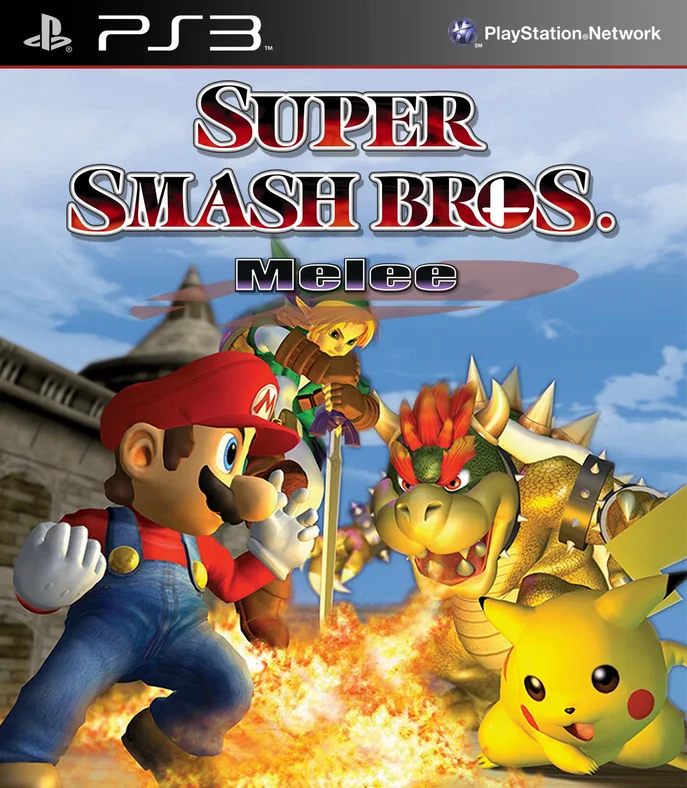
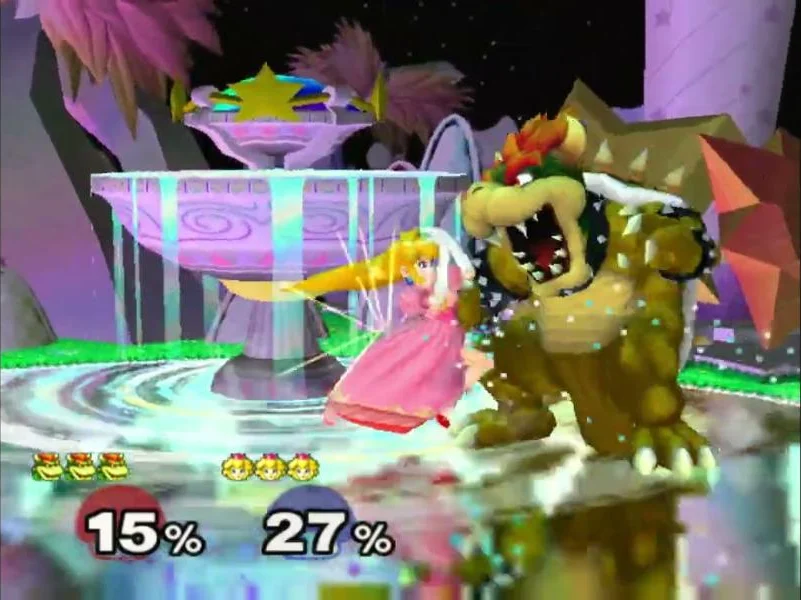
The GameCube’s biggest fighter, running natively on the PS3. It isn’t an emulator: it’s built on the doldecomp/melee decompilation and tested on real PS3 hardware.
Features:
- Widescreen 16:9 (letterboxed on a 4:3 TV)
- DualShock 3, or a real GameCube controller through the Wii U GameCube adapter, no setup needed (rumble works with the adapter’s power plug in)
- Online 1v1 netplay with rollback: the host gets an 8-digit code to share
- A PS3 menu (Select) with Unlock All, tap jump, C-stick and D-pad options per port, and netplay input delay
- Memory card saves
Requirements:
- Real PS3 hardware (CFW or HEN required)
- Your own US disc of Melee,
GALE01revision 2 (1.02), as.iso,.gcm,.cisoor an extracted folder. No game data is included.
Installation
Install melee.pkg from the release page with Package Manager.
Copy your disc image to /dev_hdd0/game/MELE00001/USRDIR/games/, or to a games folder on a USB drive. Subfolders are fine.
Start Super Smash Bros: Melee from the Game column.
For netplay, both players need the same build. The host opens UDP port 51000 with UPnP; if the router has no UPnP, forward it to the host’s PS3 by hand.
PS3 port by Mayo1970, built on doldecomp/melee. AI-assisted, tested on real hardware.

Rhythm & arcade
Friday Night Funkin'
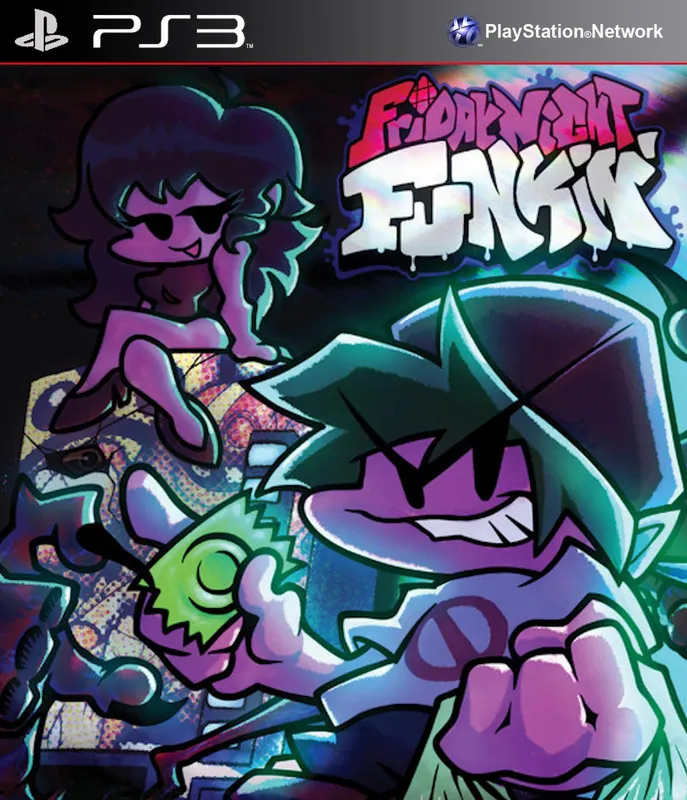
A rhythm-based game that has captured the hearts of players since its release on Newgrounds in 2020. The game follows Boyfriend, a determined character who aims to win the affection of his girlfriend, Girlfriend, by engaging in rap battles against various quirky opponents.
Credit: OnMyPS3.

Duck Hunt (PlayStation® Move)
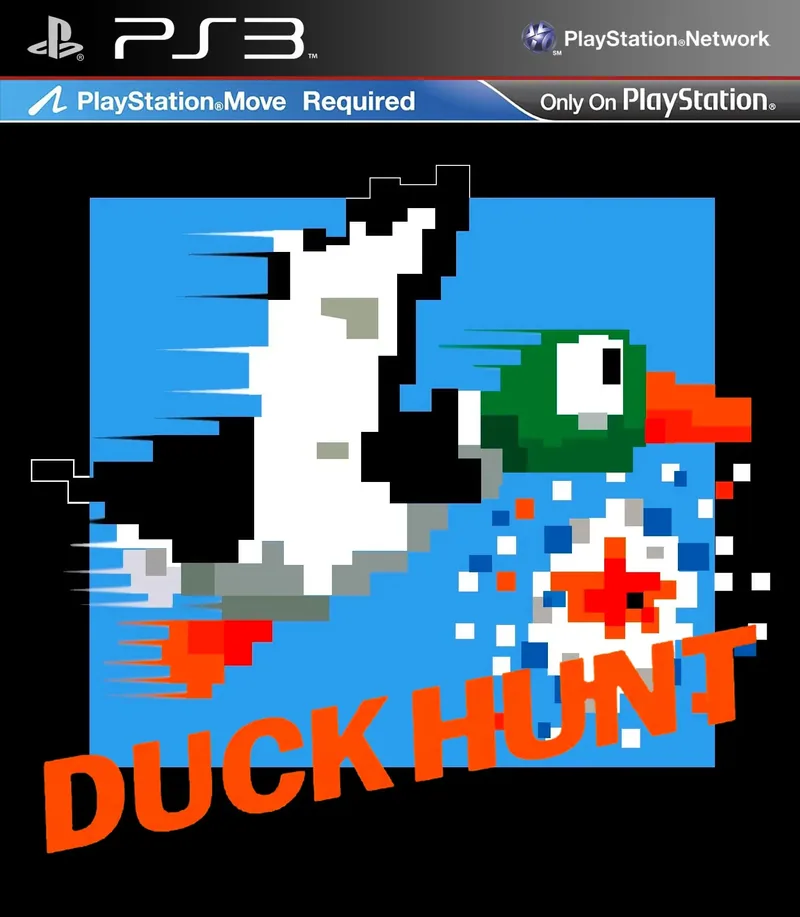
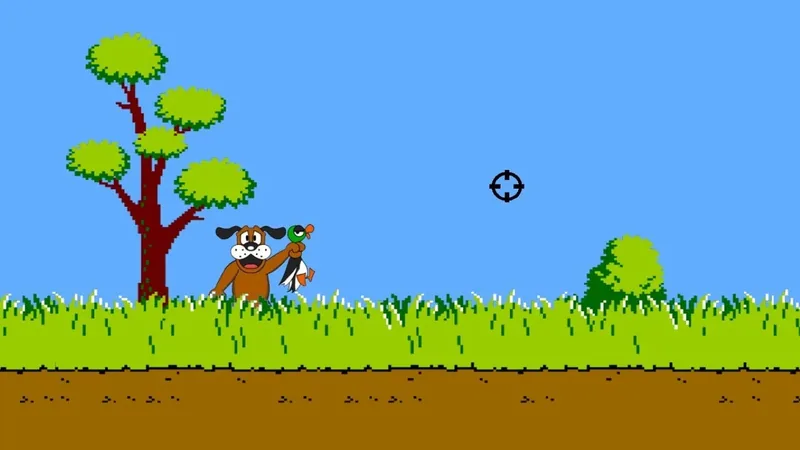
A classic 1984 light gun shooter video game developed and published by Nintendo for the Nintendo Entertainment System (NES).
Now adapted for PlayStation 3 Move.
Credit: KioSensey.
Bubble Bobble
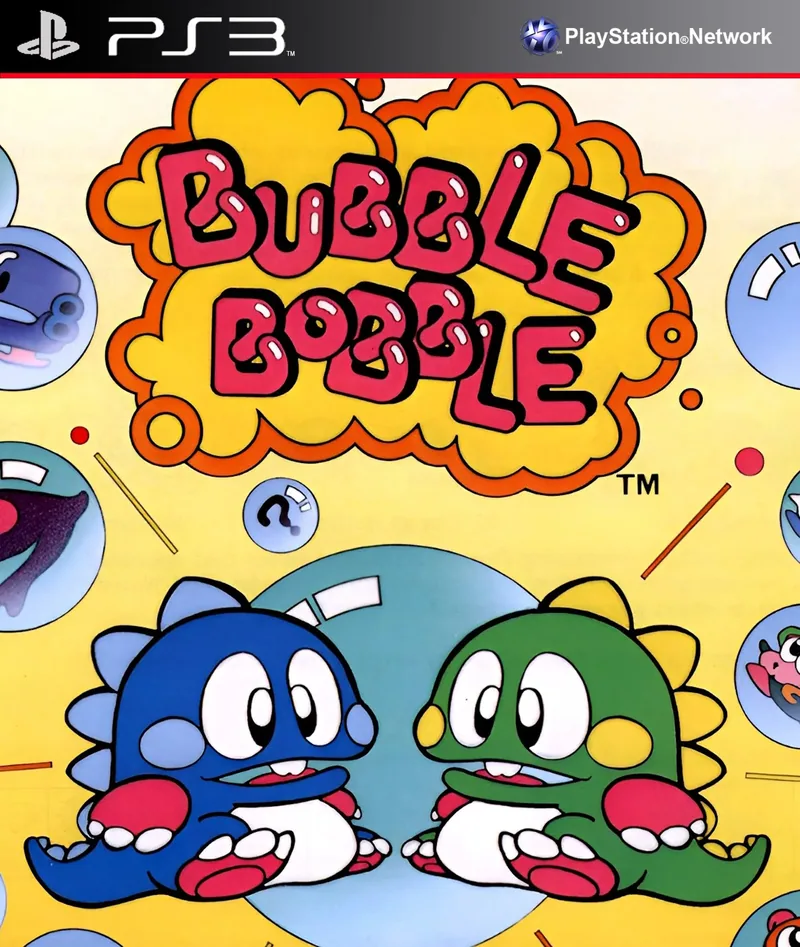
Originally released in 1986, Bubble Bobble is a classic arcade game where players control cute dinosaurs, Bub and Bob, as they work their way through level after level. Defeat enemies by trapping them in bubbles, pop them, collect fruit for points, and ride bubbles by jumping on them. The game features cooperative gameplay.
Credit: voda123 & sundungas.
Touhou 6: The Embodiment of Scarlet Devil
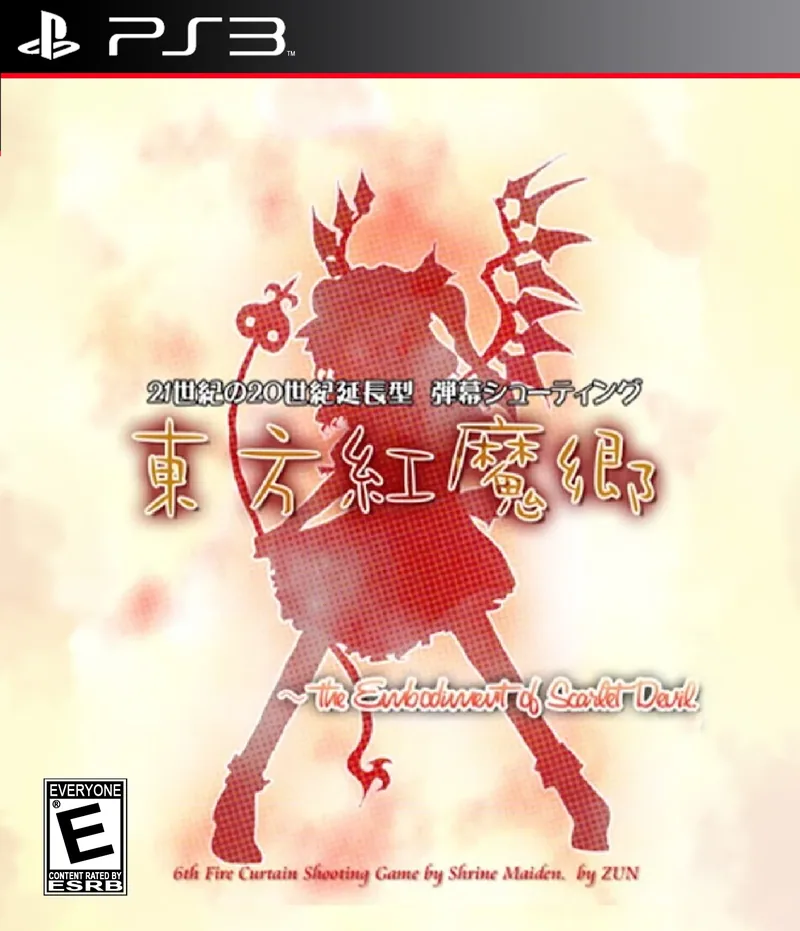
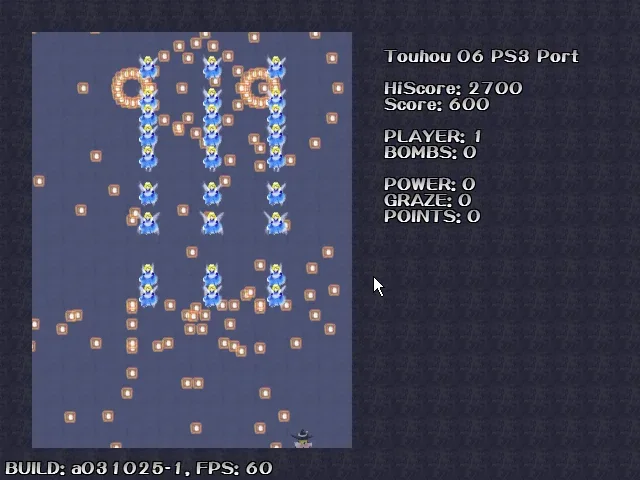
A PS3 port of 東方紅魔郷 ~ the Embodiment of Scarlet Devil, ZUN’s 2002 bullet-hell shooter and the first Touhou game for Windows. It’s built from the community decompilation of the original game (version 1.02h).
Ported by DropSonic0.
Requirements:
- Real PS3 hardware (CFW or HEN required)
- Your own copy of the original PC game. Its data files and music aren’t included.
Installation
Install the .pkg from the release page from the XMB. It installs to /dev_hdd0/game/TH06PORT0/.
By FTP, copy the game’s six .DAT files into /dev_hdd0/game/TH06PORT0/USRDIR/, renamed like this:
紅魔郷CM.DAT -> KOUMAKYO_CM.dat
 紅魔郷ED.DAT -> KOUMAKYO_ED.dat
 紅魔郷IN.DAT -> KOUMAKYO_IN.dat
 紅魔郷MD.DAT -> KOUMAKYO_MD.dat
 紅魔郷ST.DAT -> KOUMAKYO_ST.dat
 紅魔郷TL.DAT -> KOUMAKYO_TL.dat
Also copy the game’s bgm folder (the .wav music files) into USRDIR.
The release notes also say the port can read the music and data from the original disc in the PS3’s drive instead.
3D Pinball Space Cadet
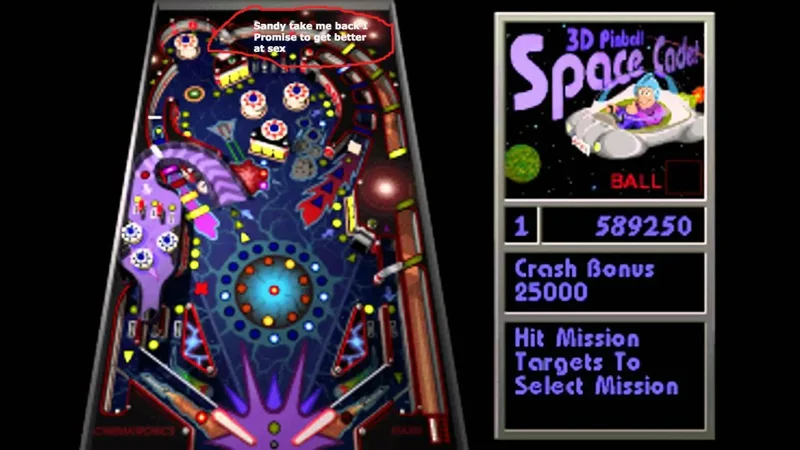
The pinball game from Windows XP, running natively on the PS3, with the same table, physics, missions and sounds as the original. It’s built on k4zmu2a’s decompilation by way of MaikelChan’s Wii port, with RSX graphics, an audio mixer and DualShock 3 controls added for the PS3.
- L1/L2 and R1/R2 are the flippers, hold and release Cross to launch, and the D-pad nudges the table
- The Full Tilt! version of the table works too
- Add music by converting
PINBALL.MIDtoPINBALL.oggbefore you build
Requirements: the Pinball files from your own copy of Windows XP (C:\Program Files\Windows NT\Pinball). Download SpaceCadetPKG.zip from the release page, copy its .bat and folder into your Pinball folder next to PINBALL.DAT, and run make_spacecadet_pkg.bat to make the PKG. No game files are included.
Known issue: high scores and settings reset each time you quit.
PS3 port by meister973, built on MaikelChan’s Wii port and k4zmu2a’s decompilation.
Subway Surfers
SYBO’s endless runner on the PS3: dodge trains, grab coins and outrun the inspector. Installs as a PKG.
PS3 port by omlet5000.

Strategy
Heroes of Might and Magic II (Free Heroes 2)
An open-source reimplementation of the original Heroes of Might and Magic II game engine (FHeroes2) ported to the PS3 by developer KaKaRoTo.
Install
The first time you start Free Heroes 2, it will download the game and a map pack. You will need an active internet connection for it to download these files, as they are necessary for the game.
All the sprites (images) are copyrighted by Ubisoft and cannot be redistributed with this game, so they are downloaded automatically from the free demo of the game at first boot.
If you do not wish to connect your PS3 to the internet, download the demo yourself on your PC and copy it to the Free Heroes 2 game directory on the PS3. Copy the zip files to /dev_hdd0/game/HEROES200/USRDIR. When running the game, it will extract the files and restart.
If you have the full retail game of HOMM2, copy its contents to /dev_hdd0/game/HEROES200/USRDIR. The most important files are DATA/HEROES2.AGG and the MAPS directory. Make sure that the "DATA" and "MAPS" directories are in upper case.

Pikmin
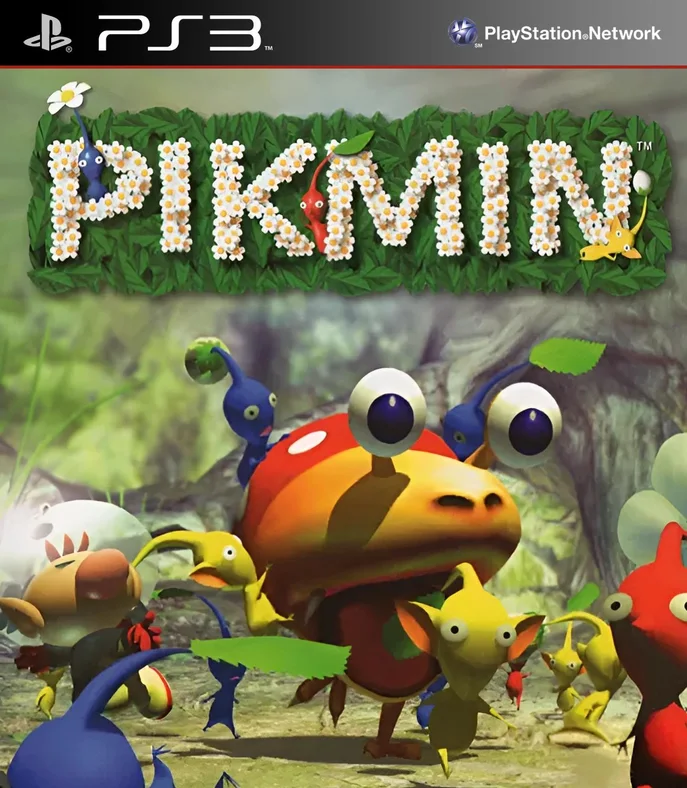
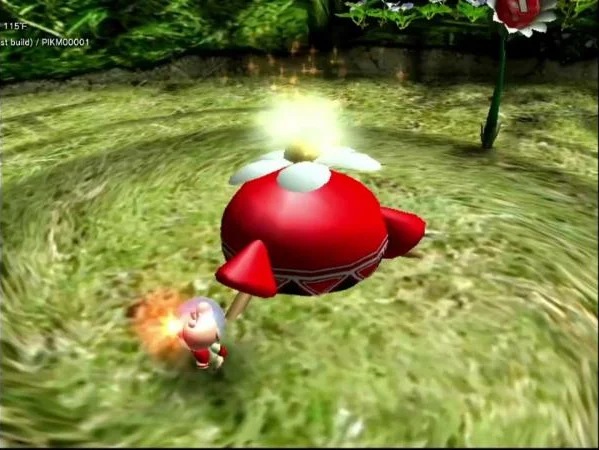
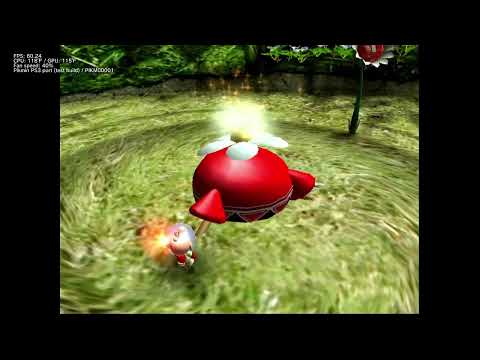
Nintendo’s 2001 GameCube classic, running natively on the PS3. It isn’t an emulator: it’s built from projectPiki’s Pikmin decompilation, with the graphics drawn by the RSX and the sound running on an SPU. It runs at a steady 30 fps like the original, with full sound, and has been played all the way through on a real console.
Requirements:
- A PS3 on CFW (tested on Evilnat 4.93 with Cobra)
- Your own North American disc image,
GPIE01, as.iso,.gcmor.ciso. The European and Japanese discs don’t work. No game data is included.
Installation
Install the .pkg from the release page with Package Manager. It shows up as Pikmin.
Copy your disc image (any file name) to /dev_hdd0/game/PIKM00001/USRDIR/ by FTP.
No FTP? Put the image on the top of a FAT32 USB drive, or in a PIKMIN folder on it, and start the game. It copies the image to the HDD by itself the first time (a minute or two).
On first start the XMB icon changes to your disc’s own banner.
Controls and saves
Left stick moves, right stick is the C-stick. Cross = A, Circle = B, Square = X, Triangle = Y, L1/L2 = L, R1 = R, R2 = Z.
As on the GameCube, it saves at the end of each day, and quitting doesn’t save. The memory card is /dev_hdd0/data/pikmin/MemoryCardA.USA.raw, in the same format as Dolphin’s, so you can move saves between the two. It’s kept if you delete the game.
PS3 port by MattyKen619, built on projectPiki’s decompilation.
SC64PS3 (StarCraft 64)
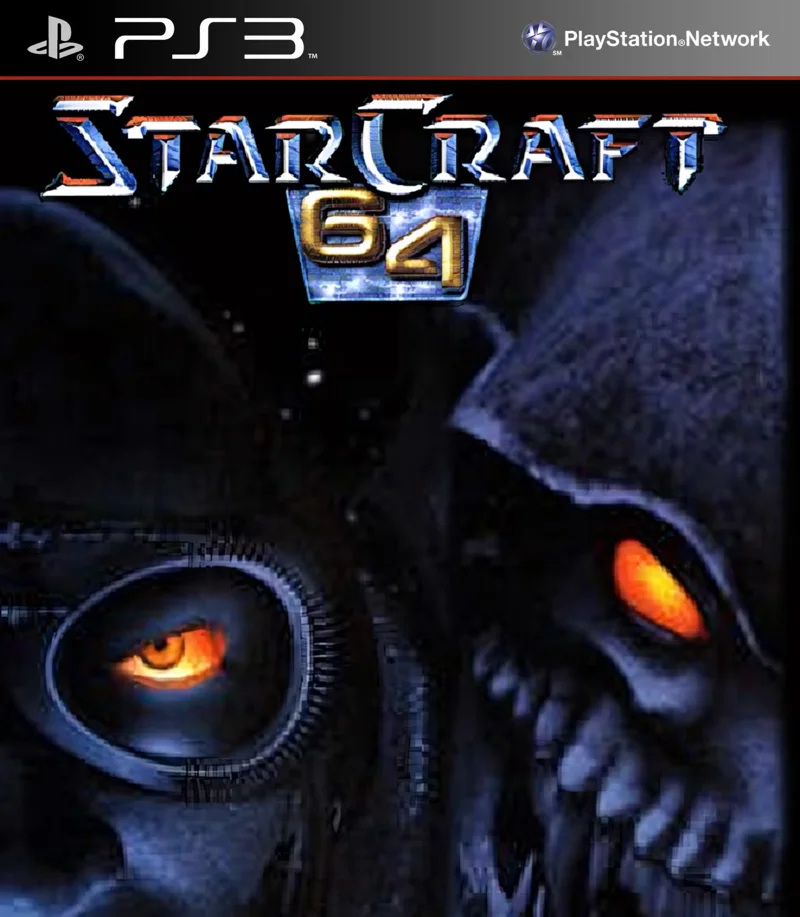
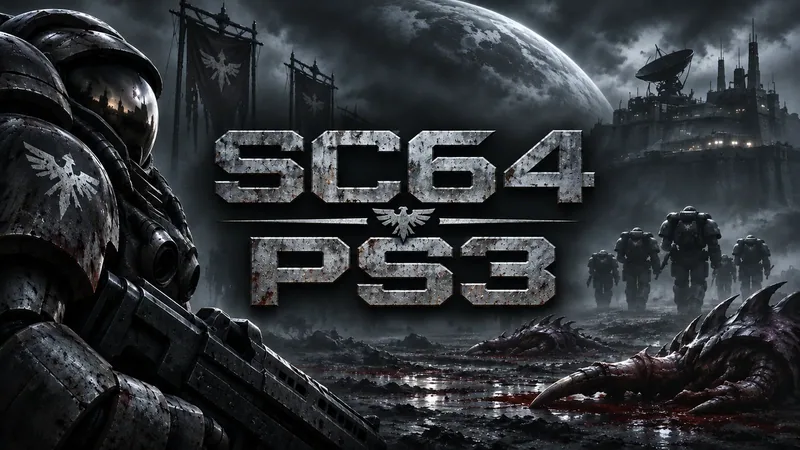
StarCraft 64 as its own PS3 app. It runs on the Salsa64 N64 emulator, tuned for this one game, and launches straight into it from the XMB.
- Native saves in their own folder, made with the game’s own save menu
- Widescreen output with nothing cropped, or the original 4:3
- Fixed backgrounds and smoother terrain, cursor and minimap graphics
- Select switches between Smooth and an experimental CRT filter
- Controls match the Vita version, with L1 as the N64’s Z trigger
Requirements:
- A PS3 on CFW (tested on Evilnat 4.93)
- Your own StarCraft 64 (USA) ROM, uncompressed (32 MB), at
/dev_hdd0/ROMS/N64/StarCraft 64 (USA).z64. No game data is included.
By edenas and the SC64VITA/SC64PS3 team, built on Salsa64 by ricowp81 and contributors.
Indie
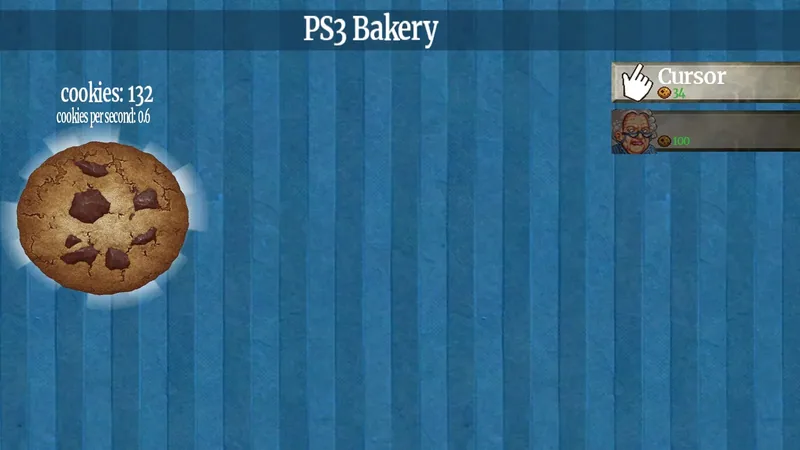
Cookie Clicker
Five Nights at Freddy's 2 Lite
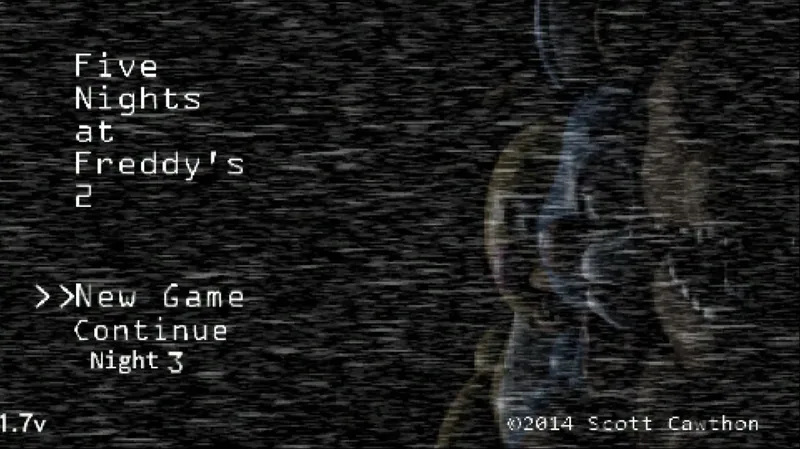
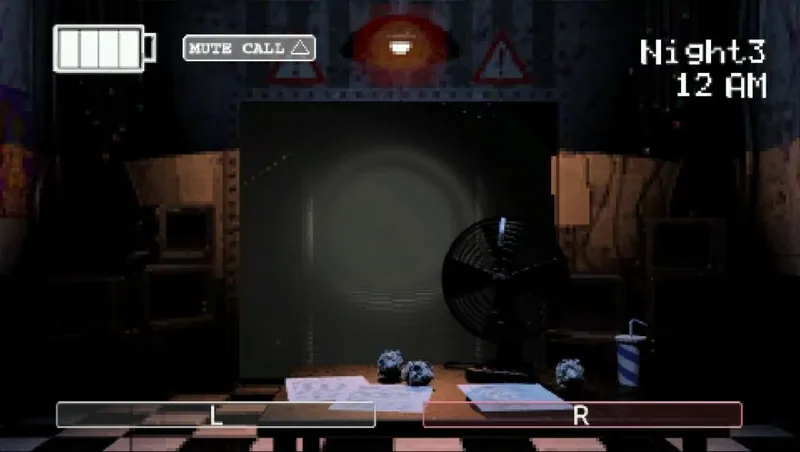
The survival horror classic, now on PS3. Monitor cameras, survive five nights, and avoid the new animatronic cast. Use the Freddy Fazbear head to fool them if they enter your office. Fazbear Entertainment is not responsible for death or dismemberment.
By AlexDev2. Exported by Ofth.
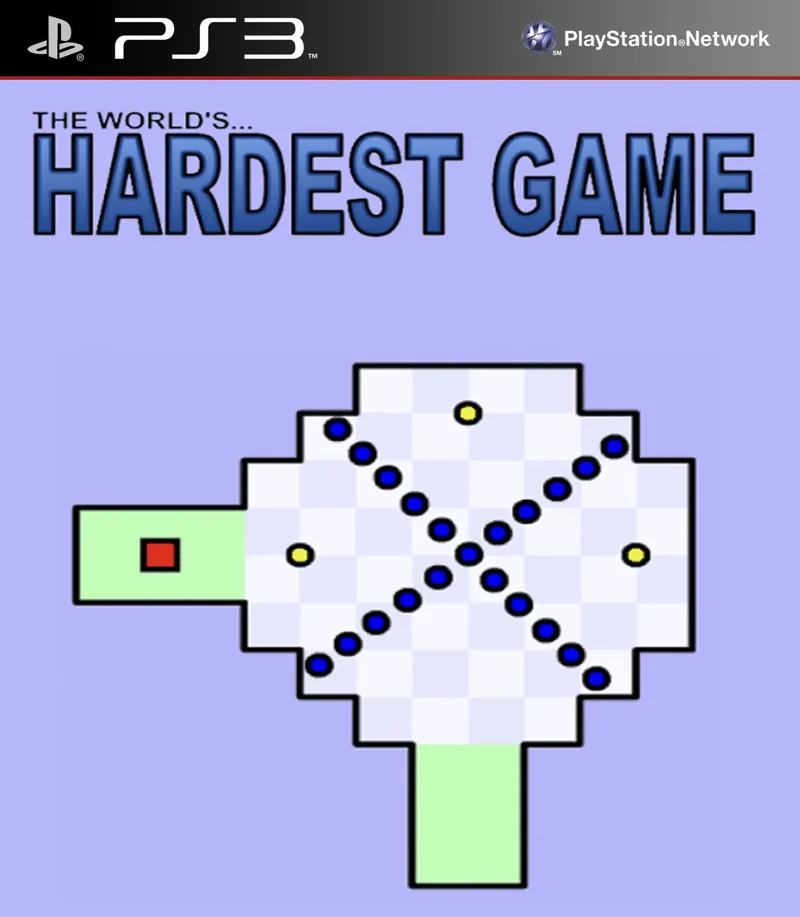
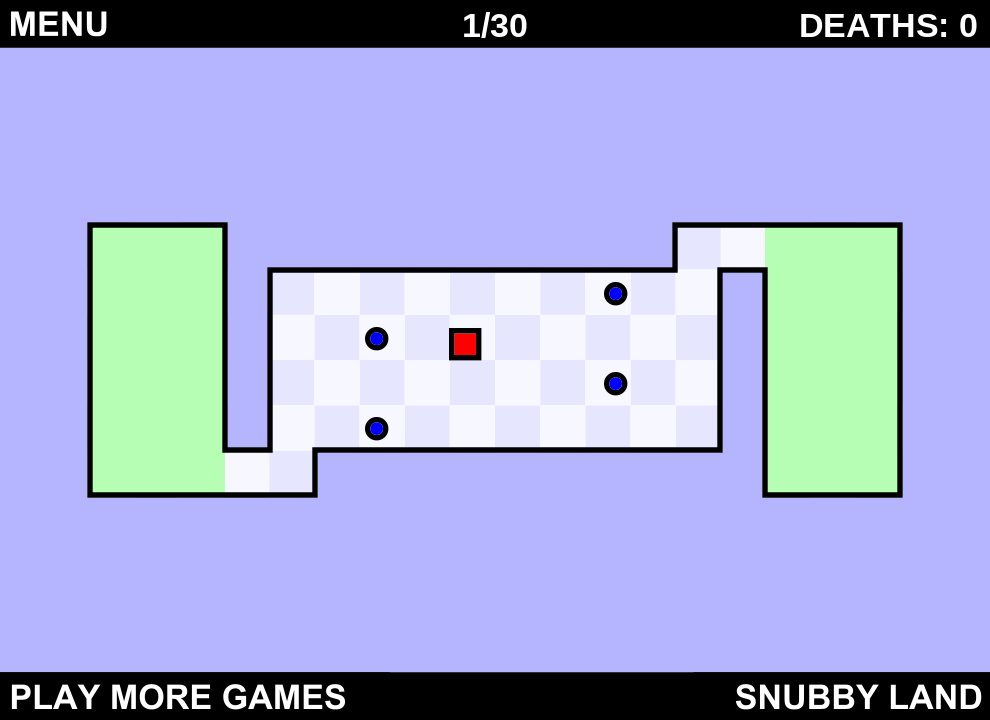
The World's Hardest Game
DoodleBob and the Magic Pencil
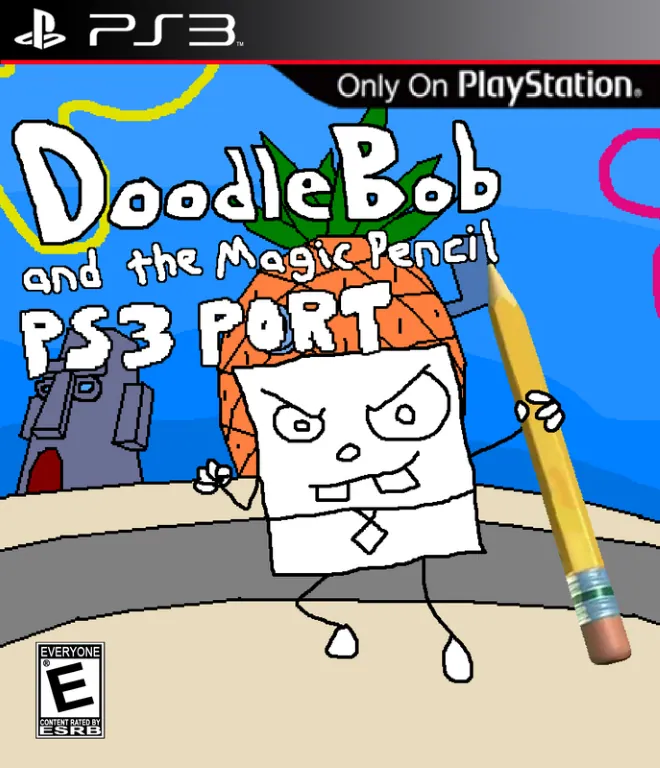
A PS3 port of the fan-made SpongeBob game by Ethan Wake (TechnoSuperGuy).
The story: Plankton has got his hands on the Magic Pencil. He's created an army of doodle minions and brainwashing SpongeBob's friends with four corrupted Special Doodles. SpongeBob revives his old nemesis, DoodleBob (reformed, apparently) to stop Plan Z Version 186 and save the day.
Ported by AcidNT3.1.

CellJoker (Balatro)
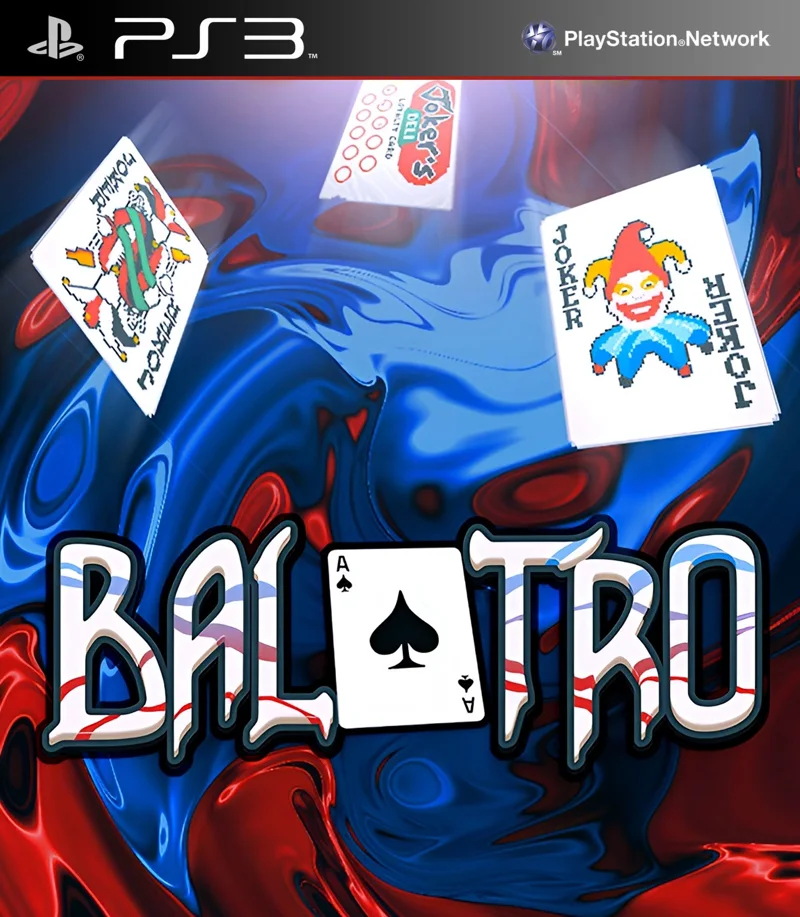

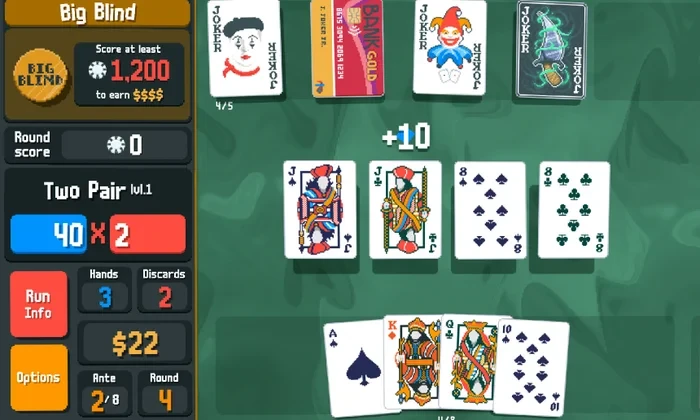
LocalThunk’s poker roguelike Balatro on the PS3. The game runs from its own unmodified Lua code on a new LÖVE 11 runtime written for the PS3, with its shaders translated to run on the RSX.
- The full game: all 150 jokers, 15 decks, the tarot, planet and spectral cards, vouchers and packs
- The game’s own music and sound, and the CRT effect, swirling background and card shaders
- Saves, 15 languages and controller support
- Everything is unlocked and the tutorial is off on the main profile. Switch profile in the game to start fresh.
Requirements: your own copy of Balatro on PC (tested with 1.0.1o). You build the PKG yourself: download make_pkg from the release page, unzip it, and drag Balatro.exe (in Steam\steamapps\common\Balatro) onto make_pkg.bat. No other software is needed. Install the balatro-ps3.pkg it makes with Package Manager. No game data is included.
By meister973. Works on HEN and CFW.
Slay the Spire
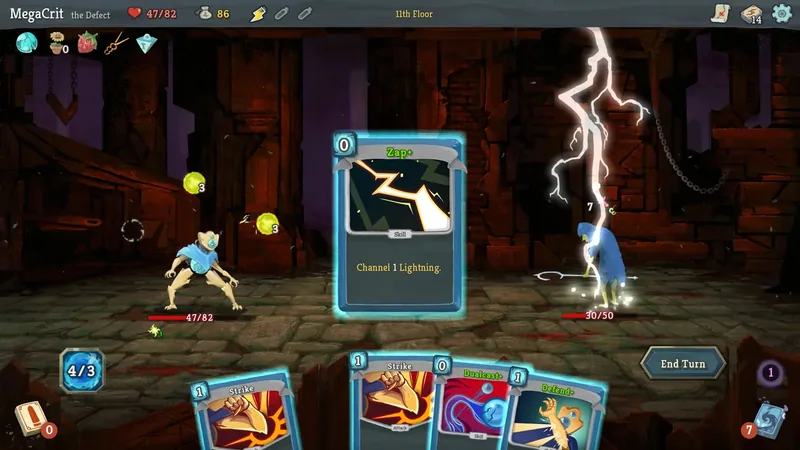
Mega Crit’s deck-building roguelike on the PS3, with all four characters, music and sound. The game’s Java code is compiled ahead of time to C with TeaVM and then built for the PS3, with a small native layer for graphics, controls, audio and the on-screen keyboard.
Requirements:
- Your own copy of Slay the Spire from Steam. No game code or art is included.
- A Windows PC with Docker Desktop running and about 15 GB free. Drag the game’s
desktop-1.0.jarontobuild_pkg.bat; the first build takes 20 to 30 minutes.
Note: so far it’s only been tested in RPCS3, not on a real PS3. Effects that grey out cards and relics show in full colour.
PS3 port by meister973, based on mmrmagno’s STSPSVITA.
Pou
The virtual pet from your phone: feed Pou, keep it clean, play with it and put it to bed. This one is a PS2 version, packaged to install on the PS3.
Porter unknown. If you made this, get in touch and I’ll credit you.
Granny
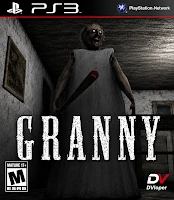
The mobile horror hit: you’re locked in Granny’s house and have five days to escape. Find the keys and tools, solve its puzzles and stay quiet, because she hears everything.
Porter unknown. If you made this, get in touch and I’ll credit you.
Buckshot Roulette

Russian roulette with a 12-gauge, against the dealer in a back-room club. Read the shells, use your items and stay alive to cash out.
Porter unknown. If you made this, get in touch and I’ll credit you.
Links and credits
Thanks to /u/Ok_Research1446 on Reddit for helping compile this list.
Port developers: Mayo1970 · Drop Sonic · stingziz0u